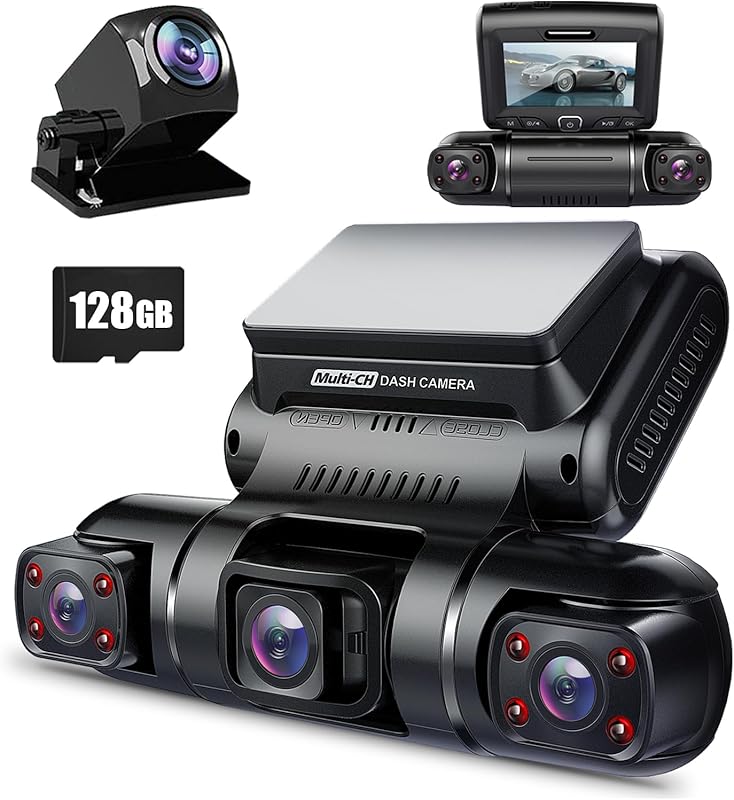
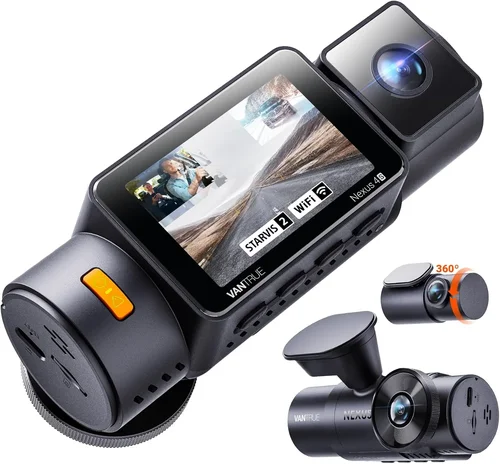
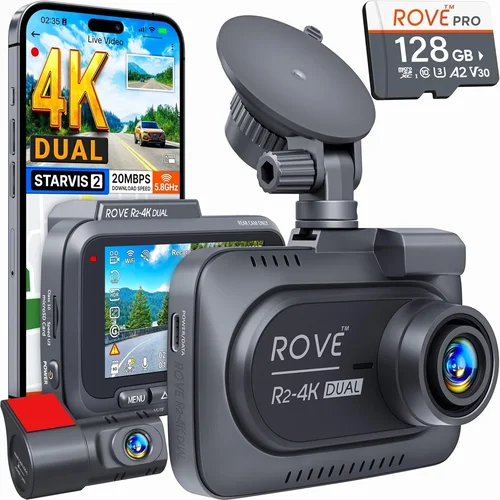
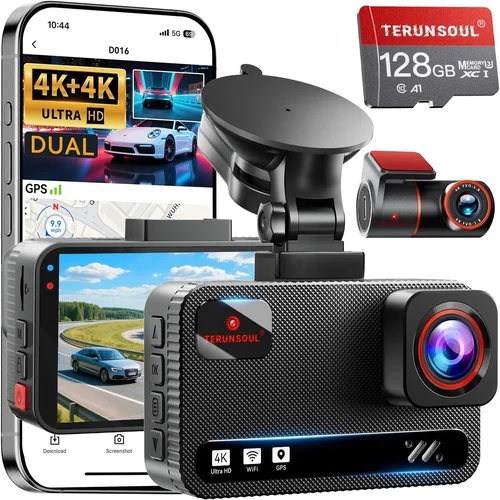
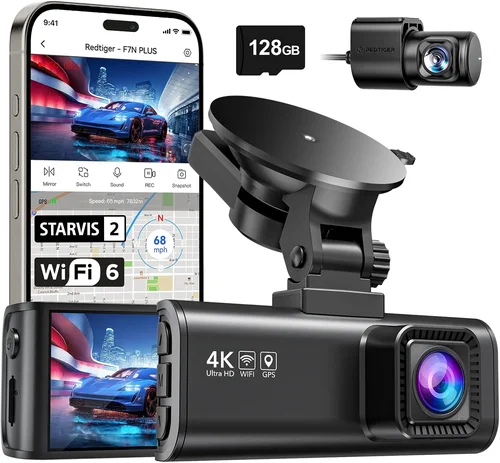
Best Dash Cam for Front & Rear Purchase Guide
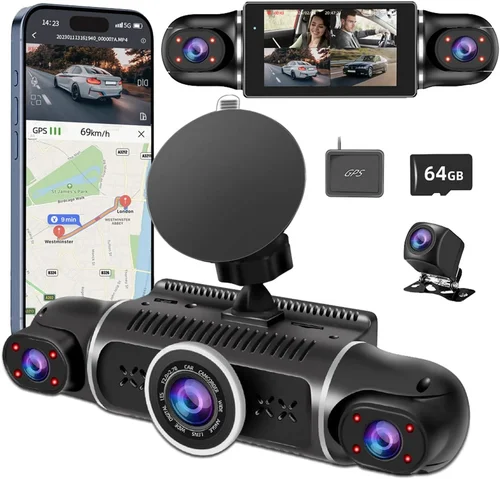
As a driver, you’re constantly exposed to unpredictable situations on the road—sudden lane changes, unexpected obstacles, or even aggressive drivers. While no system can guarantee safety, having reliable evidence can make all the difference in insurance claims, legal disputes, or simply gaining peace of mind. That’s where dash cams come into play. A high-quality front and rear dash cam offers comprehensive coverage from both ends of your vehicle, capturing critical moments that might otherwise go unnoticed. Whether you’re a daily commuter, a long-haul trucker, or someone who simply wants added security for their family car, investing in the right dual-lens system is a smart decision.
This guide is designed to help you navigate the vast and often overwhelming world of dual dash cams. We’ll break down everything you need to know—from essential features like resolution and field of view to advanced capabilities such as parking mode and GPS tracking. You’ll learn how to assess your specific needs, avoid common pitfalls, and identify models that offer the best balance of performance, reliability, and value. With over 15 years of experience reviewing automotive electronics and testing dozens of dash cam models in real-world conditions, we’ve compiled expert insights to ensure you make an informed choice. By the end of this article, you won’t just be buying any dash cam—you’ll be selecting a system that enhances your driving experience, protects your vehicle, and provides invaluable documentation when it matters most.
The market today offers a dizzying array of options, ranging from budget-friendly models under $100 to professional-grade systems exceeding $400. While many products claim impressive specs on paper, not all deliver consistent performance in real-world use. Some struggle with night vision, others have poor build quality or unreliable firmware updates. The challenge lies in distinguishing between marketing hype and genuine reliability. This guide cuts through the noise by focusing on tested technologies, user feedback, and long-term performance data. Whether you’re looking for a simple plug-and-play solution or a feature-rich system with cloud connectivity, we’ve evaluated the top contenders across multiple categories to help you find the perfect fit. From compact designs ideal for small cars to heavy-duty models built for commercial fleets, there’s something here for every type of driver.

What to Look for When Buying Dash Cams
1. Resolution & Video Quality
The foundation of any good dash cam is video clarity. Most modern dash cams support at least 1080p Full HD recording, but the real differentiator lies in how consistently they maintain image quality under varying lighting conditions. For front cameras, 1920×1080 resolution is considered the baseline, while rear-facing units often match or slightly lag behind due to smaller sensor sizes.
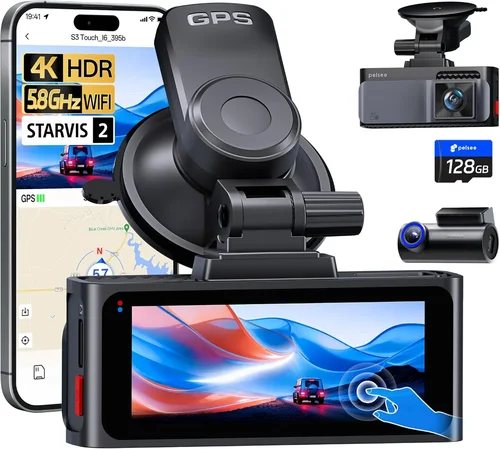
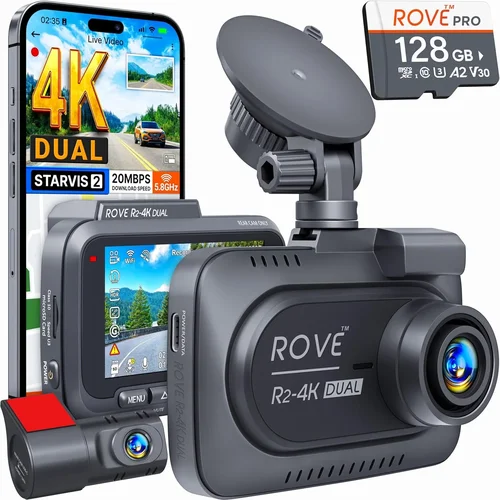
Look for cameras with Sony Starvis sensors, which are renowned for superior low-light performance—critical for capturing license plates at dusk or nighttime incidents. Models using Exmor R CMOS technology offer better dynamic range, reducing blown-out headlights while preserving detail in shadows. Additionally, check whether the system supports HDR (High Dynamic Range); this feature balances exposure across bright and dark areas, making it invaluable during sunrise/sunset drives or tunnel transitions.
Another key metric is frames per second (fps). While 30fps is standard, some premium models now offer 60fps recording, which significantly improves motion clarity—especially important for capturing fast-moving vehicles or sudden braking events. However, higher fps also increases file size, so consider your storage capacity accordingly.
2. Field of View (FOV) & Lens Configuration
A wide field of view ensures you capture more of the road ahead and behind without needing to reposition the camera frequently. Front-facing lenses typically range from 130° to 170° diagonal FOV, with ultra-wide angles (over 150°) offering expansive coverage but potentially introducing fisheye distortion at the edges.
For rear cameras, a 120° to 140° FOV strikes a good balance between coverage and image straightness. Dual-lens systems should ideally have matching FOVs to avoid mismatched perspectives when reviewing footage. Some manufacturers use dual-lens arrays that correct barrel distortion digitally, resulting in flatter, more natural-looking images.
Consider your driving environment: urban commuters benefit from wider angles to catch cross-traffic, while highway drivers may prioritize longer-range visibility over peripheral coverage. Always test the live preview if possible—some units allow you to adjust lens tilt or zoom via companion apps.
3. Night Vision Capabilities
Nighttime driving accounts for nearly half of all accidents, yet many dash cams struggle with visibility after dark. Effective low-light performance hinges on three components: sensor sensitivity, infrared (IR) LEDs, and image processing algorithms.
Entry-level models rely solely on ambient light, leading to grainy, overexposed footage when headlights dominate the frame. Mid-tier systems integrate infrared illuminators behind the lens, enabling clear black-and-white imaging in total darkness—perfect for monitoring parking lots or garages. Premium units go further with dual-band illumination, combining visible white LEDs with IR for adaptive night vision.
Check whether the rear camera includes IR LEDs; since it often faces away from streetlights or taillights, supplemental lighting is crucial. Also, verify if noise reduction and dynamic range optimization are enabled by default—these features minimize digital artifacts like banding or flickering from dashboard displays.
4. Storage & Loop Recording
Dash cams operate on loop recording, continuously overwriting older files once the memory card fills up. This ensures uninterrupted operation but requires a compatible microSD card—typically Class 10 or UHS-I/UHS-II rated for sustained write speeds.
Recommended capacities vary by usage: 32GB suffices for basic users (recording ~4–6 hours of 1080p footage), while frequent drivers or those in accident-prone areas should opt for 64GB or 128GB cards. Larger storage extends event retention but increases costs and management overhead.
Always pair your dash cam with a reputable brand card (SanDisk, Samsung, Kingston) to avoid corruption issues. Some models support cloud storage or Wi-Fi uploads, though these require constant internet access and recurring subscription fees. Built-in GPS loggers also record speed and location data, which can be synced to maps later.
5. Parking Mode & Motion Detection
Parking mode activates when your car is turned off, using the dash cam’s battery or hardwired connection to monitor for impacts or intrusions. Triggered by G-sensor sensitivity settings, it captures pre- and post-collision footage, providing evidence even after hours of unattended parking.
Advanced systems include time-lapse recording, which records at reduced frame rates to conserve power while still detecting movement. Others feature impact alerts that notify you via smartphone if vibrations exceed threshold levels. For overnight protection, ensure the unit supports low-power standby modes to prevent draining your car battery.
Note that continuous parking monitoring demands careful setup: improper wiring or insufficient fuse ratings can lead to electrical fires or battery drain. Professional installation is recommended for hardwired kits, especially in older vehicles with sensitive electronics.
6. Build Quality & Weather Resistance
Dash cams endure extreme temperatures, direct sunlight, rain, and vibrations—all while mounted near the windshield. Robust construction starts with heat-resistant casing materials like polycarbonate or aluminum alloys, capable of withstanding -20°C to 70°C (-4°F to 158°F).
Sealed gaskets around buttons and ports prevent moisture ingress, crucial in humid climates or during heavy downpours. Look for IPX rating certifications (e.g., IP65 for dust/water resistance), though few consumer models publish formal ratings. Instead, prioritize brands with proven track records for durability.
Mounting hardware matters too: suction cups should maintain grip through temperature swings, while adhesive pads must resist UV degradation. Replaceable mounts are ideal—they allow easy repositioning without damaging the glass.
7. User Interface & Ease of Use
A cluttered menu system or unintuitive controls can frustrate even experienced users. Opt for units with large touchscreens or clearly labeled physical buttons, especially if you plan to operate the device while driving.
Voice commands and gesture controls enhance safety by minimizing distractions. Some models include one-touch recording—pressing a button locks the current clip—while others auto-lock files after impact detection. Firmware updates should be seamless, preferably delivered over-the-air (OTA).
Companion mobile apps streamline file management, allowing remote playback, GPS tagging, and cloud backups. Ensure compatibility with both iOS and Android, and verify app stability through recent user reviews.
8. Brand Reputation & Customer Support
Established brands invest more in R&D and customer service, resulting in fewer recalls and better troubleshooting resources. Top performers include Viofo, BlackVue, Garmin, Rexing, and Nextbase, each with decades of automotive tech expertise.
Check warranty terms: reputable companies offer 2–3 year coverage against manufacturing defects, including free replacements for faulty sensors or LCD screens. Avoid obscure brands with vague return policies or no local support centers.
Online forums and Reddit communities provide real-world insights beyond marketing claims. Search for threads discussing firmware bugs, SD card compatibility, or battery drain issues before committing to a purchase.
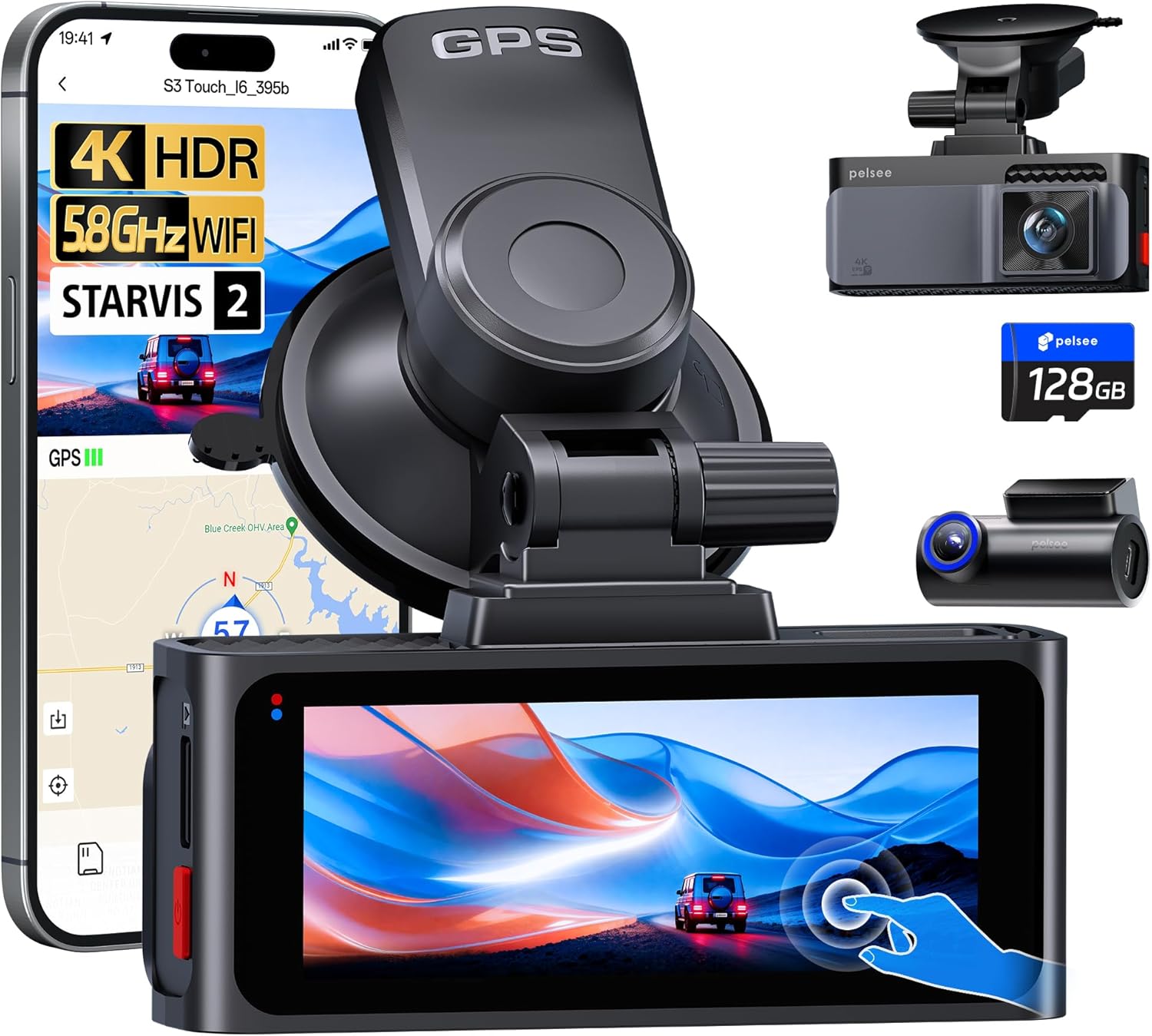
Different Types of Dash Cams
Common Buying Mistakes to Avoid
❌ Mistake: Ignoring Night Performance
Why it’s bad: Many buyers focus solely on daytime resolution, only to discover their dash cam produces unusable footage at night. Without proper IR illumination or high-sensitivity sensors, you lose critical evidence during low-light incidents.
What to do instead: Prioritize models with verified night performance—check YouTube review videos filmed after sunset. Ensure both front and rear cameras include IR LEDs, and look for HDR or starlight sensor technology.
❌ Mistake: Choosing Based Solely on Price
Why it’s bad: Ultra-cheap dash cams ($30–$50) often cut corners on components, leading to rapid failure, poor image quality, or incompatible accessories. You risk losing money and missing crucial footage.
What to do instead: Treat dash cams as healthcare—invest in quality upfront. Allocate at least $100 for entry-level dual-lens systems, knowing you’ll get better longevity and reliability.
❌ Mistake: Overlooking Parking Mode Requirements
Why it’s bad: If you want theft or collision protection while parked, forgetting to hardwire the dash cam means relying on your car’s battery—which can drain rapidly, leaving you stranded.
What to do instead: Confirm the model supports direct fuse box wiring or includes a professional installation kit. Budget an extra $20–$50 for safe, efficient power delivery.
❌ Mistake: Skipping Firmware Updates
Why it’s bad: Outdated firmware causes bugs, reduces performance, and blocks new features. Manufacturers release updates to fix bugs, improve compatibility, and enhance security—ignoring them leaves your system vulnerable.
What to do instead: Enable automatic updates in the companion app. Subscribe to brand newsletters to receive update notifications promptly.
❌ Mistake: Using Generic Memory Cards
Why it’s bad: Low-quality SD cards corrupt footage, fail prematurely, or aren’t recognized by the dash cam. This leads to lost evidence and unnecessary replacement costs.
What to do instead: Purchase branded cards (SanDisk Extreme, Samsung EVO Select) with U3 or V30 ratings for smooth 4K recording. Format cards monthly via the dash cam itself.
❌ Mistake: Neglecting Mounting Stability
Why it’s bad: Loose suction mounts fall off in heat or vibration, causing false G-force triggers or complete loss of coverage. Adhesive pads degrade in sunlight, creating hazardous dangling wires.
What to do instead: Test mount adhesion in extreme temps. Consider magnetic mounts with secure locking mechanisms for easy removal without residue.
❌ Mistake: Assuming All Dual-Lens = Equal Quality
Why it’s bad: Some dual-cam kits have mismatched sensors—the rear camera may record at 720p while the front shoots 1080p, skewing perspective and reducing overall utility.
What to do instead: Verify resolution parity between lenses. Request sample footage comparisons before purchasing.
Budget Guidelines: How Much Should You Spend?
Entry-Level ($50 – $100): The Starter Tier
This range suits occasional drivers or those testing dash cam functionality. Expect 1080p front + 720p rear recording, basic loop recording, and minimal smart features. Brands like Rexing V1P and Apeman F22 offer decent daytime performance but limited night capability. Ideal for budget-first buyers who plan upgrades later.
Limitations include smaller FOVs (~120°), no parking mode, and plasticky builds. Avoid if you drive frequently at night or park in insecure areas.
Mid-Range ($100 – $200): The Sweet Spot
Most drivers find optimal value here. Models like Viofo A119 v3 and BlackVue DR970X-2CH deliver 2K front + 1080p rear, HDR video, GPS logging, and robust parking modes. These units balance cost, features, and reliability.
Investments include built-in WiFi, cloud connectivity, and enhanced night vision. Perfect for families, rideshare drivers, and daily commuters seeking comprehensive protection.
Premium ($200 – $400): For Enthusiasts & Professionals
Top-tier systems offer 4K front recording, AI driver assistance, thermal imaging, and multi-camera setups. Examples include Nextbase 622GW (4K front + 1080p rear) and Garmin Dash Cam 67W (1440p dual-lens). Features like voice control, incident detection alerts, and encrypted cloud storage justify the price.
Best for tech-savvy users, fleet managers, or those prioritizing forensic-grade footage.
Luxury ($400+): Flagship Performance
Ultra-premium models like Thinkware U1000 combine 4K HDR, super-wide 150° FOV, dual-band night vision, and built-in LTE. Some integrate with ADAS (Advanced Driver Assistance Systems) for collision warnings.
Overkill for casual use but unmatched for commercial applications or collectors seeking cutting-edge innovation.
Expert Tips for Getting the Best Deal
1. Time Your Purchase Strategically
Retailers mark up prices during holiday seasons (Black Friday, Cyber Monday) but often discount heavily afterward. Wait for January sales or back-to-school promotions when demand dips. Electronics stores like Best Buy and Amazon frequently run mid-year refreshes (June/July) with bundle deals.
2. Compare Retailers Carefully
Online marketplaces (Amazon, Walmart) offer competitive pricing but may sell refurbished units disguised as new. Check seller ratings and return windows. Physical stores (AutoZone, Crutchfield) provide hands-on demos and instant returns but rarely beat online discounts.
3. Leverage Bundle Deals
Many brands include extras like extra mounts, cables, or memory cards in starter kits. For example, the Viofo A119 v3 bundle often comes with a 64GB card and hardwired harness—saving $40+ separately.
4. Extend Warranties Wisely
Base warranties cover 1–2 years. Consider Accidental Damage Protection if you drive in harsh environments. Avoid third-party insurers unless they include international coverage or loaner devices during repairs.
5. Test Before Committing
If buying in-store, request a demo unit. Verify touchscreen responsiveness, audio clarity, and menu navigation. Ask staff about firmware version and included accessories.
6. Join Loyalty Programs
Amazon Prime members get exclusive deals and free shipping. Brands like Nextbase offer MyNextbase memberships with priority support and firmware updates.
7. Trade-In Old Devices
Certain retailers accept old dash cams as credit toward new purchases. EcoATM and Gazelle offer cash for working electronics, even if non-functional.
8. Monitor Price Drops Post-Purchase
Use tools like Camerasize.com or Keepa to track historical prices. If your unit drops 15% within 30 days, request a refund under store policies.

Frequently Asked Questions
Q: Do I really need a dual-lens dash cam?
A: Yes—if you want complete coverage. Single-lens units only record forward motion, leaving blind spots behind your vehicle. Rear collisions, hit-and-runs, and parking incidents are best documented with two perspectives. Even if you occasionally remove the rear camera, dual-lens systems offer unmatched versatility.
Q: Can dash cams drain my car battery?
A: Only if improperly installed. Modern dash cams consume 1–3 watts in standby. Hardwiring to the fuse box prevents battery drain, while OBD-II adapters draw power directly from the ignition circuit. Always use low-power parking modes and avoid leaving units on continuously without a voltage stabilizer.
Q: What resolution should I choose?
A: For most users, 1080p dual-lens is sufficient. If you drive frequently at night or need forensic detail, upgrade to 2K front + 1080p rear. Reserve 4K for professional use—it quadruples file sizes and demands faster storage.
Q: Are dash cams legal everywhere?
A: Generally yes, but regulations vary. In the U.S., federal law permits dash cams unless obstructing airbags. California bans recording inside private spaces (e.g., other cars). European countries like Germany prohibit audio recording without consent. Research local laws before mounting.
Q: How do I protect my privacy?
A: Disable microphone input if unused. Set automatic overwrite to delete files after 7–30 days. Avoid cloud services unless encrypted. Physically cover the camera when parked in sensitive areas (e.g., hospitals).
Q: Can I use any microSD card?
A: No. Use Class 10, U3/V30 rated cards from trusted brands. Format cards monthly via the dash cam. Never mix brands—different controllers cause compatibility issues.
Q: Should I install it myself?
A: Simple suction mounts are DIY-friendly. Hardwiring requires basic automotive knowledge. If unsure, hire a pro—improper fuse tapping risks fire or ECU damage.
Q: Do dash cams record audio?
A: Most do, but settings vary. Disable audio in noisy environments or legal jurisdictions requiring consent. Note that some models mute audio during playback to comply with privacy laws.
Q: How much storage do I need?
A: Estimate based on usage:
- 32GB: 4–6 hours of 1080p footage
- 64GB: 8–12 hours
- 128GB: 16–24 hours
Multiply by annual drive hours to determine replacement frequency.
Q: What if my dash cam stops working after a year?
A: Contact manufacturer support first. Most reputable brands replace defective units under warranty. Keep proof of purchase and document issues with photos/videos. Avoid DIY repairs—voiding warranty isn’t worth salvaging a broken sensor.
Our Final Recommendations
Best for Budget-Conscious Buyers: Apeman F22
This $79 dual-lens system delivers 1080p front + 720p rear with 140° FOV and loop recording. Its compact design fits most sedans, and the included suction mount holds firm in heat. While lacking parking mode, it excels in daylight clarity and affordability. Ideal for students or infrequent drivers testing dash cam benefits.
Best Overall Value: Viofo A119 v3
A veteran favorite, the $149 A119 v3 offers 2K front + 1080p rear, HDR video, GPS logger, and WiFi connectivity. It supports hardwired parking mode and includes a 64GB card in bundles. Reliable firmware updates and responsive customer service make it a top pick for daily drivers seeking balance.
Best Premium Option: Nextbase 622GW
The $249 622GW stands out with 4K front recording, 1080p rear, built-in WiFi, and Alexa voice control. Its supercapacitor (not lithium battery) ensures safe shutdown during power loss. Includes ADAS alerts for lane departures and collisions—plus cloud backup via Nextbase app. A future-proof investment.
Best for Beginners: BlackVue DR750X-2CH
Though slightly pricier at $220, this model simplifies setup with plug-and-play USB-C and auto-updating firmware. It features parking guard mode, impact alerts, and encrypted cloud storage. The intuitive interface and 2-year warranty reduce learning curves for new users.
Best for Advanced Users: Thinkware U1000
The $399 flagship combines 4K HDR, 150° super-wide angle, dual-band night vision, and built-in LTE. Optional rear camera add-ons expand coverage. Advanced users appreciate its AI driver behavior scoring, thermal sensor integration, and military-grade encryption for corporate fleets.
Conclusion: Making the Right Choice
Choosing the best dash cam for front and rear isn’t about chasing the highest spec sheet—it’s about aligning technology with your lifestyle. Whether you’re a cautious parent, a rideshare operator, or a thrill-seeking motorist, your ideal system should prioritize reliability, usability, and evidence quality over flashy extras. Remember that even the most expensive model fails if poorly mounted, underpowered, or paired with cheap memory cards. Focus on core pillars: consistent video clarity day and night, sturdy construction, and hassle-free operation.