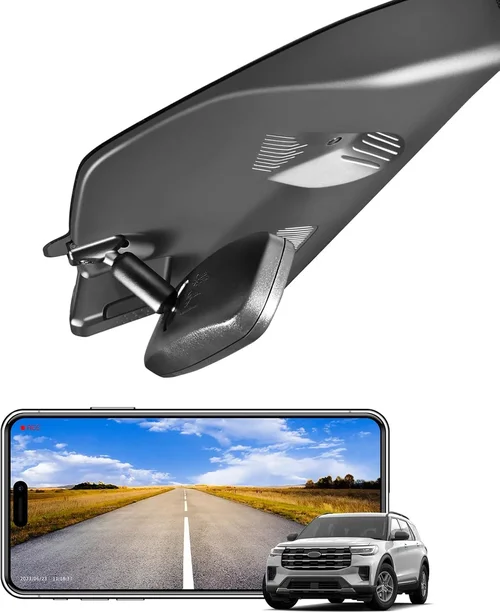
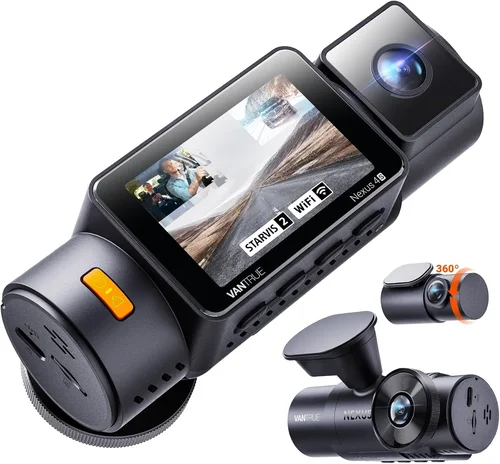
Smart Honda Accord Dash Cam Buying Guide
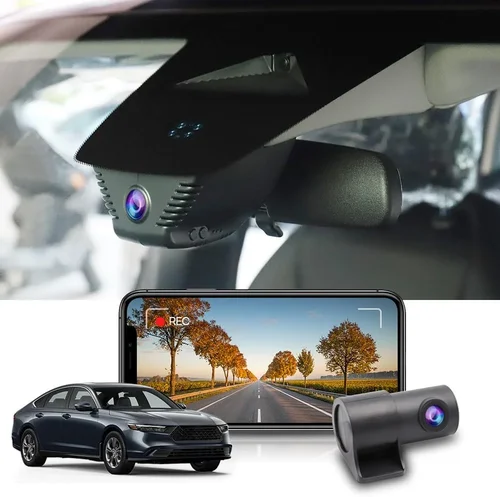
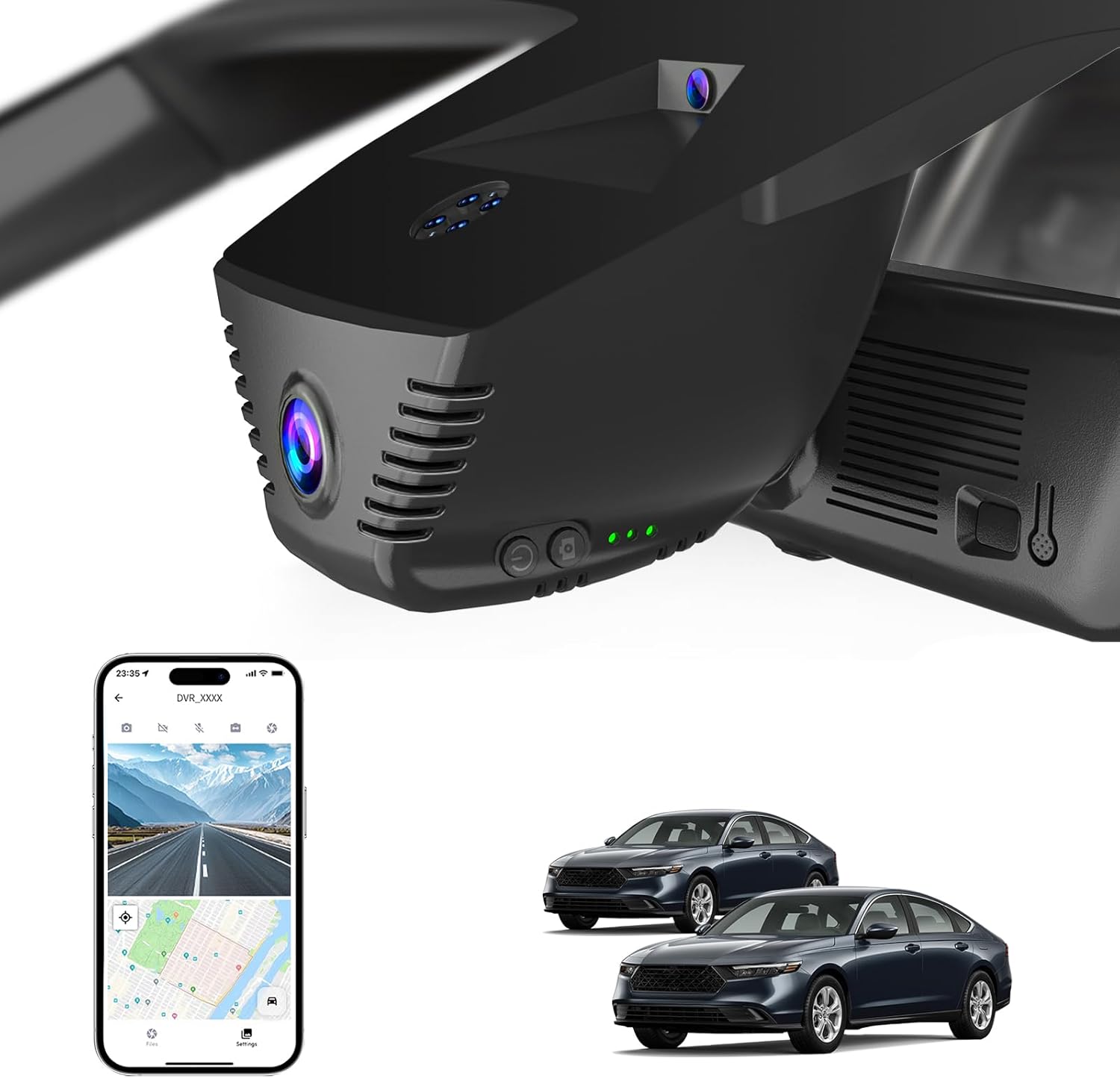
Choosing the right dash cam for your Honda Accord isn’t just about recording the road — it’s about peace of mind, protection, and smart investment in your vehicle. Whether you’re commuting through busy city streets, navigating rural highways, or simply want documented proof of what happens on the road, a quality dash cam can be an invaluable asset. With so many options flooding the market today, finding the perfect fit for your Accord can feel overwhelming. This guide cuts through the noise to deliver expert insights tailored specifically for Honda Accord owners.
You’ll learn exactly what features matter most when mounting a dash cam in your Accord, how to match performance specs to your driving habits, and which models offer the best compatibility with Honda’s interior design and electrical systems. We’ll explore everything from basic parking mode functionality to advanced AI-powered collision detection — all while keeping your specific vehicle in mind. By the end of this article, you’ll have a clear roadmap for selecting a dash cam that fits seamlessly into your Accord, delivers reliable performance, and protects both you and your investment.
The modern dash cam market is more competitive than ever, with brands like BlackVue, Garmin, Nextbase, and Thinkware pushing the boundaries of what’s possible. From ultra-compact designs that disappear into your windshield to dual-channel systems that monitor both front and rear views, there’s something for every driver. However, not every dash cam works equally well in every car — especially when considering factors like power draw, installation space, and compatibility with Honda’s dashboard layout. That’s why this guide focuses exclusively on models proven to integrate smoothly with the Honda Accord platform, whether you drive a 2018 Sedan or a 2024 Hybrid Touring.
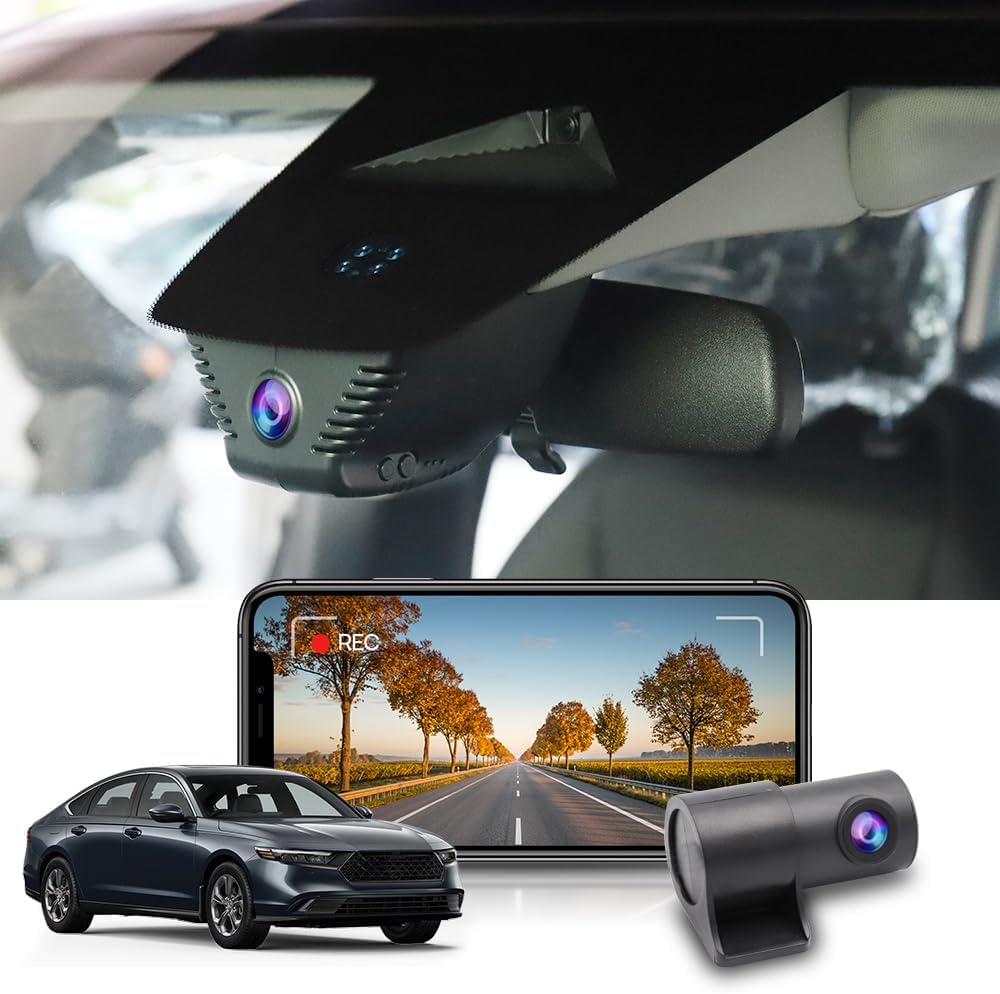
What to Look for When Buying Dash Cams
1. Budget & Price Range
Your budget sets the foundation for everything else. Dash cams range from under $50 to over $300, and each price tier brings distinct benefits. For most Honda Accord owners, the mid-range ($80–$150) offers the best balance of reliability, features, and value. Entry-level models may lack critical functions like loop recording or G-sensor-based emergency locking, while premium units often include extras you might never use — such as cloud connectivity or facial recognition.
Consider how much you’re willing to spend based on your usage. Frequent highway commuters benefit from higher-resolution video (1440p+), whereas occasional drivers may prioritize parking surveillance over 4K video clarity. Remember: a cheaper dash cam might save money upfront but could cost more in the long run if it fails during an incident or requires frequent replacements.
2. Performance Specifications
Video resolution is perhaps the most visible spec, but don’t overlook frame rate, bitrate, and low-light performance. A 1080p camera at 30fps captures decent detail, but 1440p at 60fps provides sharper footage with smoother motion — crucial for catching license plates or sudden lane changes. Look for cameras with high bitrates (above 10 Mbps) to ensure crisp detail without excessive file sizes.
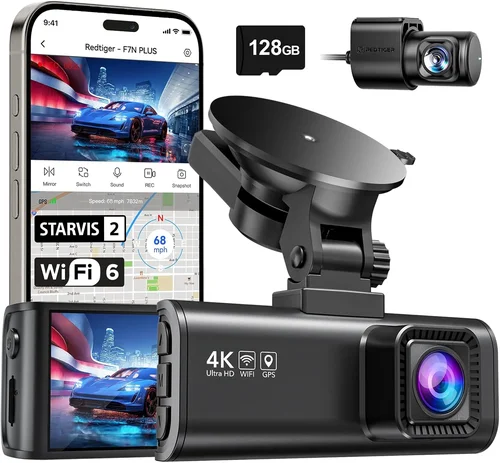
Night vision capabilities are non-negotiable for overnight parking mode. Cameras using Sony Starvis sensors excel here, offering clear recordings even in near-total darkness. Additionally, check if the dash cam supports HDR (High Dynamic Range), which improves visibility in challenging lighting conditions like tunnels or bright sun glare.
3. Build Quality & Durability
The interior of a Honda Accord has limited real estate, so compact yet rugged construction matters greatly. Opt for dash cams with anti-glare housings and secure suction cups designed to withstand temperature swings — from freezing winter mornings to scorching summer afternoons. Internal components should be shock-resistant, especially if you frequently park in rough areas or drive on bumpy roads.
Water resistance ratings (IP65 or higher) help protect against moisture intrusion during rainstorms or car washes. Also, consider the cable management system: clean, routed wires reduce clutter and prevent interference with airbag deployment zones. Some models even offer adhesive mounts instead of suction cups for a sleeker look, though these require careful surface preparation.
4. Features & Functionality
Beyond basic recording, modern dash cams offer intelligent features that enhance safety and convenience. Loop recording automatically overwrites old footage, ensuring continuous operation without manual cleanup. The G-sensor detects impacts and locks files to prevent accidental deletion — vital if you rely on evidence for insurance claims.
Parking mode is essential for protecting your Accord when unattended. Most models enter this mode after turning off the engine, drawing minimal power to record any suspicious activity. However, not all vehicles support hardwiring; some require a separate battery backup or OBD-II port connection. Always verify compatibility with your specific Accord model year before purchasing.
5. Brand Reputation
Stick with established brands known for reliability and customer support. Companies like BlackVue, Garmin, and Thinkware have decades of experience in automotive electronics and consistently receive positive feedback for firmware updates, responsive service, and durable hardware. Avoid unknown brands selling generic clones online — they often lack proper testing and may fail within months.
Check independent review sites, forums, and Reddit threads dedicated to Honda enthusiasts. Real-world user experiences provide valuable insights into long-term performance, software stability, and ease of use. Brands with active communities also tend to release regular firmware improvements that add new features or fix bugs.
6. Warranty & Support
A solid warranty reflects manufacturer confidence in their product. Most reputable dash cam brands offer at least a two-year warranty covering defects in materials and workmanship. Some extend coverage up to five years, particularly for premium models. Ensure the warranty includes international shipping if you travel abroad frequently.
Customer support responsiveness is equally important. Test their email or chat response times before buying. Brands with toll-free numbers or live chat options make troubleshooting much easier. Also, confirm whether software updates are free and how frequently they’re released — outdated firmware can cause compatibility issues with newer smartphones or operating systems.
7. Size & Portability
Compact size doesn’t mean compromised performance. Many top-tier dash cams measure under 3 inches diagonally and weigh less than 100 grams, making them nearly invisible behind your rearview mirror. Slim profiles reduce visual obstruction while maintaining wide-angle lenses for maximum field of view.
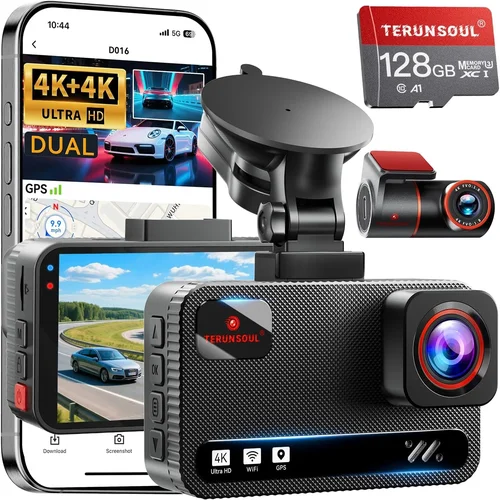
For dual-camera setups (front + rear), consider whether you need a single unit or two separate devices. Integrated systems simplify wiring and storage but may limit flexibility if one camera fails. Modular designs allow swapping cameras between cars but require additional adapters and cables.
8. User Reviews & Ratings
Online reviews aren’t always trustworthy due to fake testimonials, but patterns emerge when you analyze hundreds of comments. Pay attention to recurring complaints about battery life, Wi-Fi connectivity, or poor night vision. Positive reviews highlighting durability, ease of installation, and reliable customer service signal a dependable product.
Look for verified purchase badges on Amazon or retailer websites to filter out biased opinions. Cross-reference multiple platforms — YouTube unboxings, tech blogs, and automotive forums — to get a balanced perspective. If a model scores poorly across all sources, steer clear regardless of its marketing claims.
Different Types of Dash Cams
Common Buying Mistakes to Avoid
❌ Mistake: Ignoring Compatibility with Your Accordion Model Year
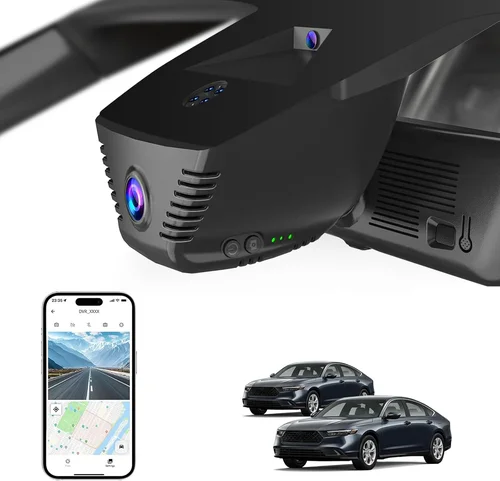
Why it’s bad: Not all dash cams work equally well with every Honda Accord generation. For example, earlier models (pre-2018) have different dashboard shapes and fuse box locations compared to newer ones. Installing a mount in the wrong spot can obstruct your view or interfere with airbags.
What to do instead: Research your exact model year and trim level before buying. Check manufacturer specifications or consult owner’s manuals for recommended mounting zones. Some brands publish fit guides showing ideal placement points for each vehicle type.
❌ Mistake: Prioritizing Price Over Reliability
Why it’s bad: Cutting corners on cost often leads to premature failure. Cheap dash cams may use inferior sensors that produce grainy footage, lack proper heat dissipation, or fail to activate parking mode reliably. In critical situations, unreliable footage undermines the entire purpose.
What to do instead: Allocate at least $100 for a reputable brand. Spend extra on features you actually need rather than chasing bells and whistles. Read professional reviews comparing performance metrics like dynamic range and compression algorithms.
❌ Mistake: Skipping Hardwiring Setup
Why it’s bad: Relying solely on internal batteries means your dash cam dies after a few days of parking surveillance. Without hardwiring, you lose overnight protection — leaving your Accord vulnerable to hit-and-runs or vandalism.
What to do instead: Invest in a hardwire kit compatible with your Accord’s electrical system. Most kits tap into the cigarette lighter circuit or fuse box. Follow installation guides carefully, and consider hiring a pro if you’re unsure about wiring basics.
❌ Mistake: Overlooking Storage Requirements
Why it’s bad: Insufficient microSD card capacity forces constant deletion of old clips, defeating the purpose of continuous recording. Low-quality cards also corrupt files during high-bitrate writes, resulting in lost evidence.
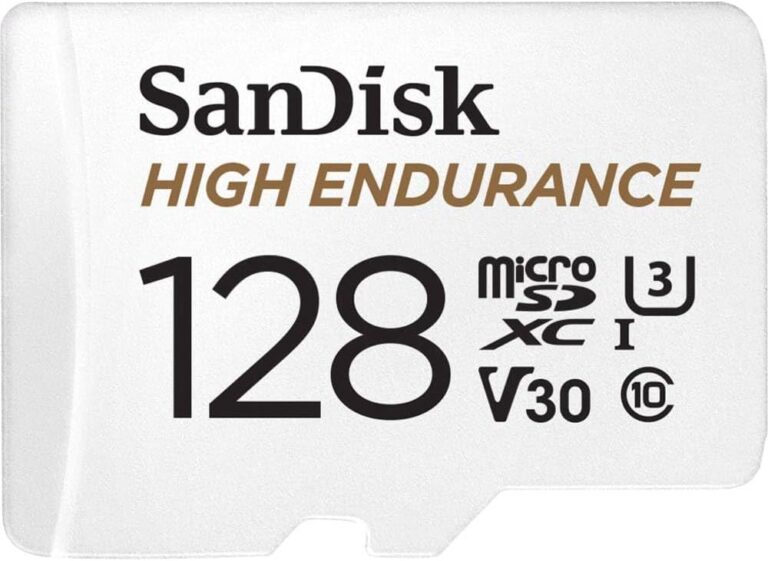
What to do instead: Choose a minimum 64GB UHS-I Class 3 card from trusted brands like SanDisk Extreme or Samsung Pro Endurance. Format it monthly using the dash cam’s built-in tool to maintain optimal performance.
❌ Mistake: Neglecting Firmware Updates
Why it’s bad: Outdated firmware can cause compatibility issues with smartphones, reduce image quality, or disable key features like GPS logging. Manufacturers rarely notify users about updates, so manual checks become necessary.
What to do instead: Set calendar reminders to check for updates quarterly. Download official software from the brand’s website, and follow step-by-step instructions. Keep your dash cam connected to a stable power source during updates to avoid interruptions.
❌ Mistake: Choosing Based Solely on Marketing Claims
Why it’s bad: Flashy advertisements exaggerate capabilities. Phrases like “4K crystal clear” or “AI-powered detection” sound impressive but may not translate to real-world results. Independent lab tests reveal discrepancies between claimed and actual performance.
What to do instead: Rely on third-party evaluations from trusted sources like RTINGS.com, Wirecutter, or automotive tech reviewers. Look for objective data on resolution, low-light sensitivity, and build quality rather than emotional appeals.
Budget Guidelines: How Much Should You Spend?
Entry-Level ($50–$90)
This tier suits occasional drivers who want basic protection without breaking the bank. Expect 1080p resolution, loop recording, and G-sensor functionality. Models like the Viofo A119 Mini fall into this category and perform adequately for urban driving. However, skip these if you need reliable parking mode or plan to use them daily on highways.
Mid-Range ($90–$180)
The sweet spot for most Honda Accord owners. Here, you’ll find robust builds, excellent night vision, and solid feature sets. The Garmin Dash Cam 67W offers 1440p recording, voice control, and automatic incident detection. Similarly, the Nextbase 522GW provides dual recording, Alexa integration, and cloud backup — all within this range.
Premium ($180–$300)
Enthusiasts and professionals benefit from advanced capabilities. BlackVue DR970X-2CH delivers 4K front and 2K rear recording, cloud connectivity, and superior low-light performance. These models justify their cost through durability, legal-grade evidence quality, and enterprise-grade security.
Luxury ($300+)
Top-tier systems like the Thinkware U1000 include HDR+, facial recognition, and AI-driven event detection. While overkill for personal use, they’re ideal for ride-share drivers or those requiring courtroom-ready footage. Always weigh ROI against actual needs before splurging.
Expert Tips for Getting the Best Deal
Frequently Asked Questions
Q: Will a dash cam drain my Accord’s battery?
A: Modern dash cams consume minimal power — typically less than 1A when idle. With proper hardwiring, they won’t impact your battery unless parked for over a week without engine use. Always enable parking mode only when needed.
Q: Can I install a dash cam myself?
A: Yes, most models come with detailed instructions and universal mounts. Basic installation takes 15–30 minutes. Hardwiring requires minor electrical knowledge but is safe if following guidelines. Avoid cutting factory wires — use fuse taps instead.
Q: Do dash cams record audio?
A: Legality varies by state. In California and Connecticut, recording conversations without consent violates wiretapping laws. Check your local regulations before enabling audio. Many users disable mic input to stay compliant.
Q: How long do dash cam batteries last?
A: Built-in lithium batteries typically survive 1–3 hours of continuous recording. Once depleted, the device powers down. Hardwired units bypass this limitation entirely, providing indefinite surveillance.
Q: Are dash cam videos admissible in court?
A: Yes, if recorded legally and stored securely. Courts favor timestamped, unaltered footage. Ensure your model supports automatic file locking during impacts and uses write-protected SD cards to prevent tampering.
Q: Can I use two dash cams in one car?
A: Technically yes, but it’s redundant and increases complexity. Dual-channel models already capture both front and rear views. Adding extra cameras creates overlapping blind spots and complicates storage management.
Q: What resolution should I choose?
A: At minimum, 1080p ensures readable license plates. For highways or fast-moving traffic, 1440p or 4K provides better clarity. Balance resolution with storage demands — higher resolutions fill cards faster.
Q: Does weather affect dash cam performance?
A: Rain, snow, and extreme temperatures can impair visibility temporarily. Anti-fog coatings and hydrophobic lenses mitigate this. Avoid parking in direct sunlight to prevent lens warping or overheating.
Q: How do I back up footage safely?
A: Use cloud services like BlackVue Cloud or Garmin Drive app for automatic uploads. Alternatively, transfer clips manually via USB. Never delete original files until confirmed backed up.
Q: Can dash cams detect collisions automatically?
A: Yes, advanced models use G-sensors to trigger emergency saving when sudden deceleration occurs. Some even send alerts to your phone via Wi-Fi. Verify sensitivity settings to avoid false positives from potholes or speed bumps.
Final Recommendations
Best for Budget-Conscious Buyers: Viofo A119 Mini V3 – Reliable 1080p recording, compact design, and affordable price point make it ideal for everyday Accord drivers seeking essential protection without overspending.
Best Overall Value: Garmin Dash Cam 67W – Combines sleek aesthetics, strong GPS tracking, and intuitive voice commands with dependable performance. Its 1440p resolution captures crisp details while staying under $200.
Best Premium Option: BlackVue DR970X-2CH – Industry-leading build quality, dual 4K/2K recording, and cloud integration justify its higher cost for serious users needing courtroom-grade evidence.
Best for Beginners: Nextbase 522GW – User-friendly interface, Alexa compatibility, and robust parking mode simplify setup for first-time dash cam owners. Includes helpful tutorials and responsive customer service.
Best for Advanced Users: Thinkware U1000 – HDR+, AI event detection, and seamless smartphone integration cater to tech enthusiasts who demand maximum functionality and future-proofing.
Conclusion: Making the Right Choice
Selecting the best dash cam for your Honda Accord hinges on aligning features with your lifestyle, driving patterns, and budget. While flashy specs attract attention, true value lies in consistent reliability and practical usability. Prioritize models with proven track records, generous warranties, and strong community support — especially those validated by fellow Accord owners.
Remember to factor in installation logistics, power requirements, and legal considerations unique to your region. A well-chosen dash cam becomes more than just a gadget; it transforms into a silent guardian, capturing moments that matter when words fail. Take time to research, compare options thoroughly, and don’t rush the decision. After all, this small device could play a pivotal role in protecting your safety, your vehicle, and your peace of mind for years to come.