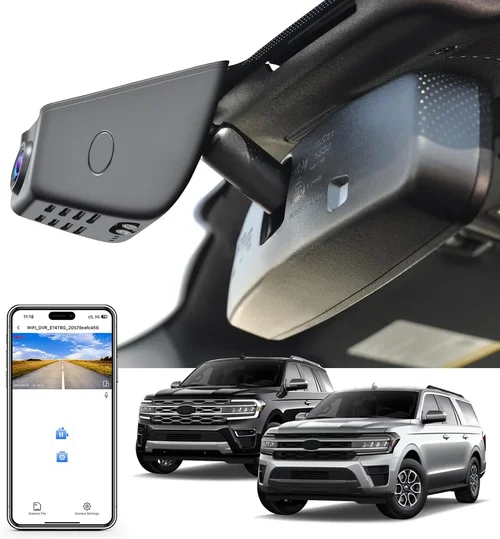
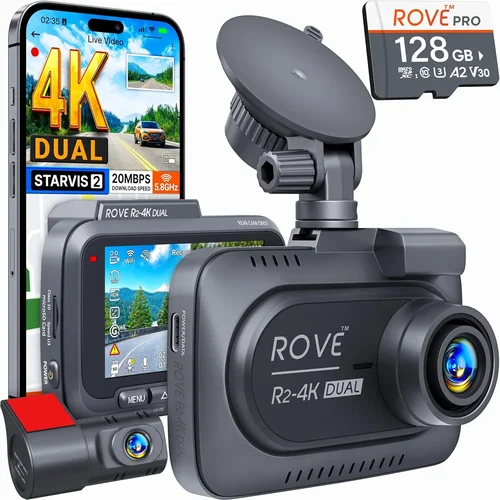
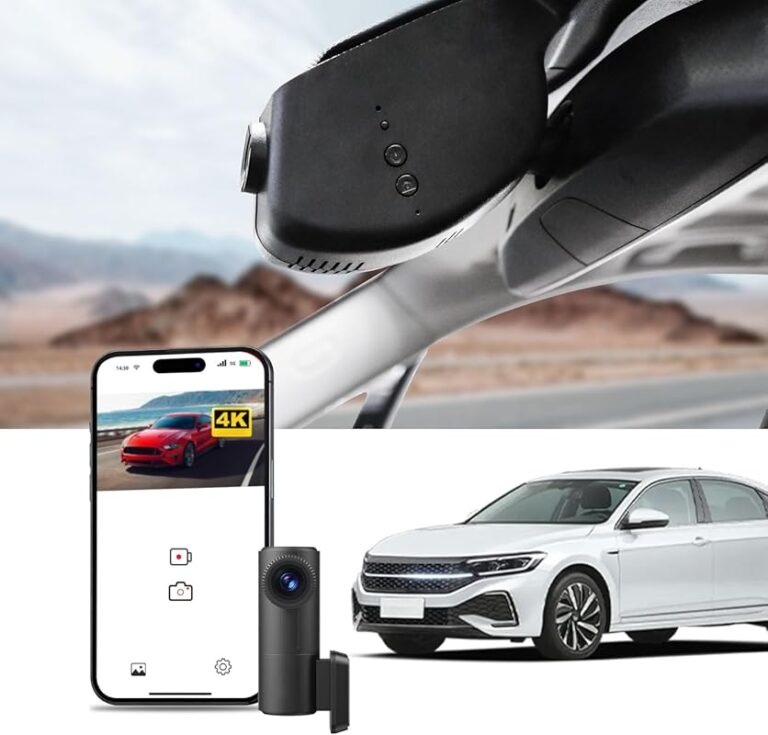
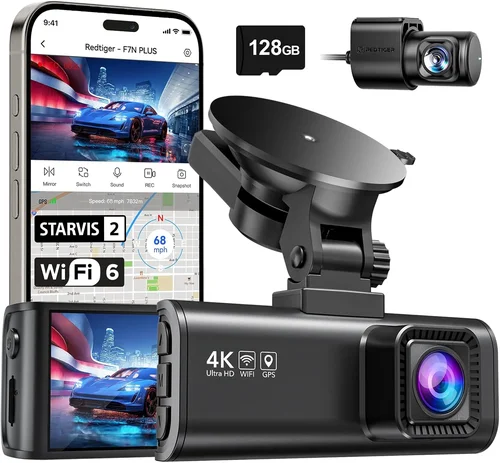
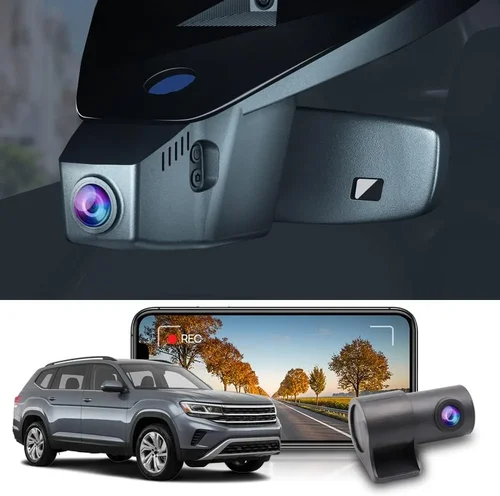
How to Choose Best Dash Cam on a Budget
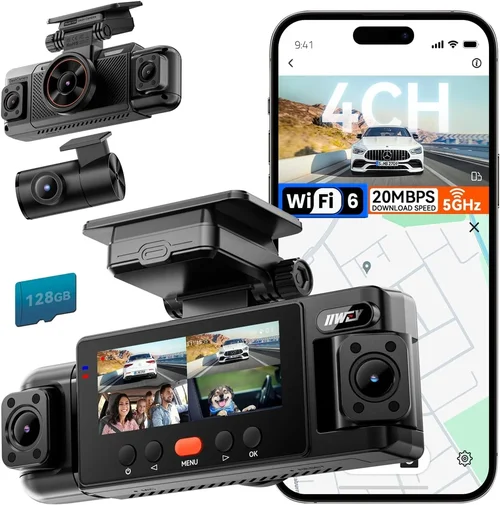
Why choosing the right dash cam matters extends far beyond just recording your drive. In an era where insurance claims can make or break your finances, having reliable video evidence can save thousands of dollars and protect your driving reputation. Whether you’re a daily commuter, weekend road trip enthusiast, or someone who simply wants peace of mind behind the wheel, understanding what makes a dash cam truly worth its price is essential. This comprehensive guide will walk you through every aspect of selecting the best dash cam for your budget, ensuring you get maximum value without compromising on critical safety features.
By the end of this article, you’ll understand exactly what to prioritize when shopping for a dash cam, how different types compare in terms of features and performance, and which specific models offer the best bang for your buck across various price ranges. We’ll cover everything from resolution capabilities and storage options to advanced features like GPS tracking and parking mode, all while keeping your budget constraints front and center.
The dash cam market has evolved dramatically over the past decade, with options ranging from basic $30 entry-level units to sophisticated $500+ professional-grade cameras. Understanding this landscape helps you navigate through marketing hype and technical jargon to find a camera that actually meets your real-world needs. Whether you’re looking for something simple for occasional use or a feature-rich system for daily protection, this guide will help you make an informed decision that delivers lasting value.
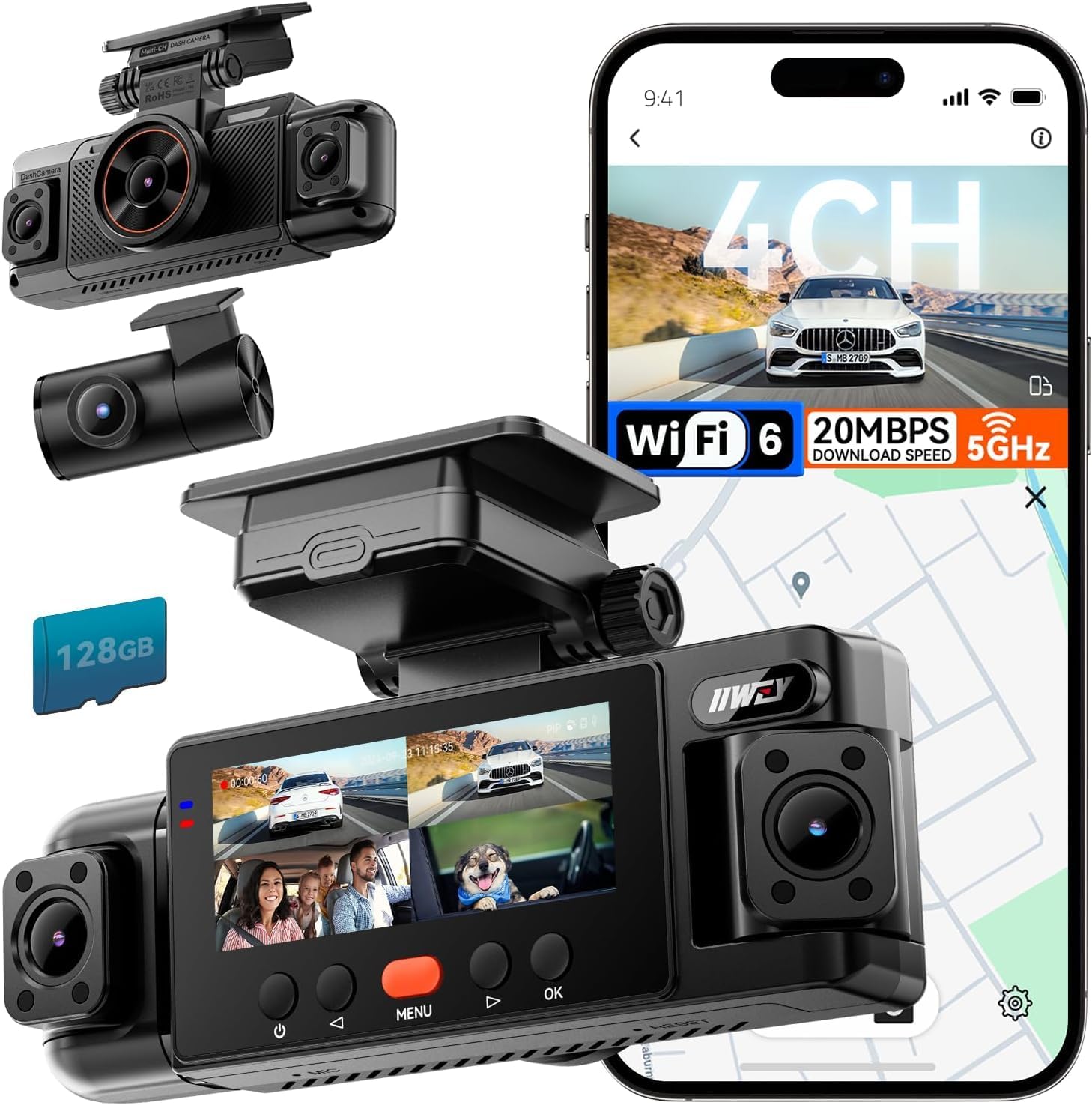
What to Look for When Buying Dash Cams
1. Budget & Price Range
Understanding your budget is the first step toward finding a dash cam that offers real value. Entry-level dash cams typically range from $30-$75 and provide basic 1080p recording with limited features. These are suitable for casual drivers who want simple accident documentation without spending much money. Mid-range cameras ($75-$150) offer better image quality, improved build materials, and additional features like G-sensor technology and loop recording. Premium models ($150-$250) deliver superior video quality, enhanced durability, and more advanced functionality such as night vision improvements and smartphone integration.
When evaluating price points, consider what features matter most to you versus what’s just nice to have. A $40 camera might seem appealing until you realize it lacks proper emergency recording capabilities or has poor low-light performance. Conversely, spending $200 on a camera with excessive features you’ll never use means missing out on better-performing alternatives at lower price points. Always research thoroughly before committing to any price bracket.
2. Performance Specifications
Video resolution remains one of the most critical factors affecting dash cam effectiveness. Most reputable manufacturers now offer 1080p Full HD as the baseline standard, but higher resolutions like 1440p (2K) and even 4K are becoming increasingly common in mid-to-premium segments. While 4K provides marginally better detail, the file sizes become enormous, requiring more frequent memory card replacements or larger storage solutions. For most drivers, 1080p offers the optimal balance between clarity and storage efficiency.
Frame rate also impacts smoothness and detail capture during fast-moving scenarios like highway driving or sudden braking events. Cameras recording at 30fps provide sufficient motion handling for everyday use, while 60fps models excel in capturing rapid movements and license plate details during high-speed incidents. The field of view (FOV) determines how much of the road ahead gets captured – wider angles (130-150 degrees) give you more peripheral awareness but may distort distant objects, while narrower views (100-120 degrees) maintain better detail at the expense of less coverage.
Low-light performance significantly affects nighttime recording quality. Look for cameras with f/1.8 or lower aperture values, built-in infrared LEDs, or starlight sensor technology that maintains visibility in dark conditions. Some premium models incorporate HDR (High Dynamic Range) processing to handle challenging lighting situations like tunnels or bright headlights.
3. Build Quality & Durability
A dash cam’s physical construction directly impacts its reliability and lifespan. Plastic housings should feel substantial rather than flimsy, with secure mounting mechanisms that won’t detach during rough drives. Heat resistance is crucial since dash cams often operate in extreme temperatures; look for units rated for -20°C to +70°C operation ranges. Water resistance ratings (IPX4 or higher) prevent damage from rain splashes or condensation buildup inside the housing.
Mounting systems deserve careful attention too. Suction cup mounts work well on clean glass surfaces but lose adhesion over time due to heat exposure. Screw-based mounts provide more permanent installation but require drilling holes. Magnetic mounts offer flexibility but may not stay secure during bumpy roads. Consider whether your chosen mount type aligns with your vehicle’s interior design and your comfort level with installation complexity.
Thermal management prevents overheating issues that can cause sudden shutdowns or data loss. Well-designed cameras include passive cooling elements like heat-dissipating materials or active cooling through ventilation ports. These features help maintain consistent performance during long summer drives when dashboard temperatures can exceed 60°C.
4. Features & Functionality
Emergency recording technology automatically saves critical moments without requiring manual intervention. G-sensors detect sudden impacts or hard braking events and lock those video files from being overwritten during normal loop recording cycles. This feature proves invaluable during insurance disputes or accident investigations when every second of footage matters.
Loop recording allows continuous recording by automatically overwriting older videos when storage fills up. However, some advanced models offer event-based loop recording that preserves important segments while efficiently managing space usage. Always verify that your chosen dash cam supports this functionality without compromising emergency footage retention.
GPS integration adds valuable context to your recordings by embedding location data, speed readings, and timestamp information directly into video files. This capability helps recreate exact driving scenarios and provides additional evidence during disputes. Some GPS-enabled cameras also offer cloud backup services that sync your footage securely to online storage platforms.
Parking mode represents one of the most useful features for protecting parked vehicles. When connected to your car’s battery through a hardwire kit, these cameras continue monitoring for potential incidents while your engine isn’t running. Motion detection alerts trigger recording when suspicious activity occurs near your vehicle, while impact sensors activate during collisions or attempted break-ins. Note that extended parking mode usage drains battery life, so proper installation and power management are essential.
Wi-Fi connectivity enables wireless transfer of footage to smartphones via companion apps. This eliminates the need to physically remove memory cards and simplifies file sharing with authorities or insurance companies. Bluetooth pairing allows seamless app communication for settings adjustments and live preview functionality. Ensure your preferred phone platform (iOS vs Android) is fully supported before purchasing.
5. Brand Reputation
Established brands typically offer better customer support, longer warranty periods, and more reliable firmware updates. Industry leaders like BlackVue, Thinkware, Garmin, and Nextbase have built strong reputations through consistent product quality and responsive service networks. Newer entrants sometimes offer innovative features at competitive prices but may lack the same level of after-sales support or long-term reliability track record.
When researching brand credibility, pay attention to user reviews across multiple platforms including retailer websites, tech forums, and independent review sites. Consistent praise for specific models indicates genuine user satisfaction, while recurring complaints about particular issues suggest potential red flags. Warranty terms and claim approval processes also reveal how seriously manufacturers take their products’ performance guarantees.
6. Warranty & Support
Most reputable dash cam brands offer at least a 1-year manufacturer warranty covering defects in materials and workmanship. Premium manufacturers often extend coverage to 2-3 years, reflecting confidence in their product longevity. Check whether warranties cover accidental damage or only manufacturing flaws, as this distinction significantly affects replacement costs if your unit suffers unexpected failure.
Customer support responsiveness proves equally important when technical issues arise. Brands with dedicated helplines, comprehensive FAQ sections, and knowledgeable representatives save considerable frustration compared to companies offering minimal assistance. Online communities and user forums can provide peer-to-peer troubleshooting advice when official channels prove unresponsive.
7. Size & Portability
Compact dash cams measure under 3 inches in length and weigh less than 4 ounces, making them ideal for discreet installations that won’t obstruct your windshield view. Miniature models sacrifice some features for portability but remain effective for basic recording needs. Standard-sized units (3-4 inches) balance size with functionality, offering room for better lenses and additional components without overwhelming your dashboard space.
Portability matters if you frequently transfer cameras between vehicles or travel extensively. Some models include interchangeable lenses or modular designs that simplify relocation between cars. Magnetic mounts enhance portability by eliminating permanent installation requirements, though they may lack the stability needed for demanding driving conditions.
8. User Reviews & Ratings
Real-world user experiences provide invaluable insights beyond manufacturer specifications. Look for detailed reviews that discuss both strengths and weaknesses, especially regarding long-term reliability and performance consistency. Pay attention to patterns in complaints – isolated negative comments usually reflect individual circumstances, while recurring issues indicate systemic problems worth avoiding.
Cross-reference multiple review sources to identify consensus opinions about specific models. Retailer rating averages offer quick snapshots of overall satisfaction levels, but don’t overlook detailed comment sections where users share practical tips and real-life scenarios. Video reviews demonstrate actual camera performance in daylight and nighttime conditions, helping you visualize how well the unit handles typical driving situations.
Different Types of Dash Cams

Common Buying Mistakes to Avoid
❌ Mistake: Choosing Based Solely on Lowest Price
Why it’s bad: The cheapest dash cams often compromise on critical components like lens quality, sensor performance, or build materials. You might end up with a camera that records blurry footage, fails during hot days, or breaks within months despite appearing functional initially.
What to do instead: Focus on value rather than absolute lowest cost. Compare features relative to price points and read multiple user reviews about long-term reliability. Sometimes spending slightly more upfront prevents costly replacements or inadequate protection later.
❌ Mistake: Overlooking Storage Requirements
Why it’s bad: Many buyers assume included microSD cards provide sufficient storage, but actual recording time varies dramatically based on resolution, compression settings, and whether you enable extra features like audio recording. Running out of space unexpectedly means losing potentially crucial evidence.
What to do instead: Calculate your expected storage needs based on average drive times and desired retention period. Factor in additional space for emergency recordings and consider purchasing higher-capacity cards (64GB or 128GB) for better value. Enable efficient compression algorithms when available.
❌ Mistake: Ignoring Installation Constraints
Why it’s bad: Poor placement choices obstruct your view, create glare issues, or expose the camera to extreme temperatures that reduce lifespan. Incorrect wiring connections cause power failures or drain vehicle batteries excessively during parking mode usage.
What to do instead: Plan placement carefully before purchase by measuring available space and considering sun exposure patterns throughout the day. Research compatible hardwire kits if you intend to use parking mode regularly. Consult professional installers for complex wiring requirements.
❌ Mistake: Disregarding Nighttime Performance
Why it’s bad: Many dash cams perform adequately in daylight but struggle significantly at night, producing grainy, unusable footage when accidents commonly occur. This limitation undermines the primary purpose of having continuous documentation.
What to do instead: Prioritize cameras with large aperture lenses (f/1.8 or lower), infrared LED arrays, or specialized night vision technologies. Test sample footage from manufacturer websites or review videos specifically showing nighttime performance before committing.
❌ Mistake: Assuming All Features Are Essential
Why it’s bad: Advanced features like GPS logging, Wi-Fi connectivity, or cloud backup add complexity and cost without delivering proportional benefits for average drivers. Some functionalities require ongoing subscriptions or premium accessories that negate initial savings.
What to do instead: Identify your core needs first – basic accident recording versus comprehensive fleet management. Only invest in secondary features if they genuinely address specific pain points in your driving routine or professional requirements.
❌ Mistake: Neglecting Firmware Updates
Why it’s bad: Outdated firmware causes compatibility issues with newer operating systems, introduces security vulnerabilities, or limits performance improvements released by manufacturers. Without regular updates, your dash cam becomes obsolete faster than anticipated.
What to do instead: Choose brands with established update histories and active development teams. Subscribe to product newsletters to receive notification about new releases. Periodically check manufacturer websites for available updates even if automatic notifications aren’t provided.
Budget Guidelines: How Much Should You Spend?
Entry-Level ($30-$75)
These affordable dash cams deliver fundamental recording capabilities suitable for occasional use or supplemental protection. Expect basic 1080p video quality, simple mounting systems, and limited feature sets. Ideal candidates include students, seniors, or drivers seeking secondary insurance documentation without significant investment. Common limitations involve reduced low-light sensitivity, smaller storage capacities, and fewer emergency recording safeguards. While adequate for mild weather climates and moderate driving habits, these units may struggle during harsh conditions or high-stress situations requiring crystal-clear evidence.
Mid-Range ($75-$150)
The sweet spot for most responsible drivers balances affordability with meaningful improvements in image quality, durability, and functionality. This category includes cameras featuring enhanced sensors, better heat resistance, and essential safety technologies like G-sensors and loop recording. Users typically appreciate the added peace of mind from improved build quality and more reliable performance during daily commutes or regional road trips. Most mid-range models also offer reasonable storage expansion options and straightforward installation procedures suitable for DIY enthusiasts.
Premium ($150-$250)
Enthusiasts and professionals benefit most from premium dash cams offering superior optical performance, advanced connectivity options, and robust construction standards. These units incorporate larger image sensors, wider dynamic range processing, and sophisticated compression algorithms that preserve detail under challenging lighting conditions. Additional features like dual-lens systems, GPS integration, and cloud backup services provide comprehensive protection scenarios rarely matched by lower-tier alternatives. Although requiring greater initial investment, premium cameras deliver exceptional value through extended lifespan, reduced maintenance requirements, and enhanced evidentiary quality during serious incidents.
Luxury ($250+)
Top-tier dash cams represent the pinnacle of automotive safety technology, incorporating military-grade components, cutting-edge sensor arrays, and enterprise-level management systems. Commercial operators, fleet managers, and security-conscious individuals find these investments justified by their ability to handle extreme environments, provide forensic-quality recordings, and integrate seamlessly with existing infrastructure. Luxury models often include redundant recording systems, advanced driver assistance features, and customizable alert configurations tailored to specific operational requirements. While unnecessary for casual drivers, these cameras deliver unmatched reliability and functionality for demanding applications where performance cannot be compromised.
Expert Tips for Getting the Best Deal
💡 Pro Tip: Time Your Purchase Strategically
Black Friday and Cyber Monday sales typically offer 20-40% discounts on electronics including dash cams, while back-to-school seasons see reduced inventory pricing during August-September. Manufacturer clearance events following product launches provide excellent opportunities to acquire last-generation models at significantly reduced rates. Avoid peak holiday periods when retailers inflate original prices before offering nominal “discounts.”
💡 Pro Tip: Compare Retailer Pricing Carefully
Amazon dominates dash cam sales but doesn’t always offer the lowest prices. Walmart provides competitive pricing with in-store pickup options, while Best Buy includes installation services and extended return windows. Specialty automotive stores sometimes bundle dash cams with complementary accessories like memory cards or hardwire kits at package discounts unavailable elsewhere.
💡 Pro Tip: Leverage Bundle Deals Effectively
Many manufacturers include valuable accessories with camera purchases such as high-capacity memory cards, suction cup mounts, or hardwire kits. These bundles eliminate separate accessory costs and ensure compatibility between components. Watch for seasonal promotions that double accessory value or include free shipping thresholds that justify larger orders.
💡 Pro Tip: Negotiate Return Policies Wisely
Extended return windows (90-120 days) allow testing under real-world conditions before committing long-term. Some retailers offer price-matching guarantees that let you submit competitor quotes for immediate adjustment. Membership programs like Amazon Prime or Costco memberships provide additional savings through exclusive member pricing tiers not available to general shoppers.
💡 Pro Tip: Verify Compatibility Before Purchasing
Ensure your vehicle’s windshield curvature and sun visor placement accommodate the selected dash cam dimensions. Confirm power requirements match your car’s electrical system voltage (typically 12V). Check smartphone OS compatibility if planning to use mobile apps for file management or live viewing functions.
💡 Pro Tip: Prioritize Memory Card Quality
Class 10 or U3 rated microSD cards guarantee minimum write speeds required for smooth high-resolution recording. Brands like SanDisk Extreme, Samsung EVO Plus, or Kingston Canvas React deliver consistent performance under sustained write loads. Avoid counterfeit cards marketed through unauthorized sellers as they often fail prematurely and corrupt stored footage.
💡 Pro Tip: Consider Professional Installation Costs
DIY installations save money but require patience and basic technical skills. Professional installers charge $50-$150 for hardwiring services that eliminate battery drain concerns and provide cleaner aesthetics. Evaluate whether the convenience justifies the cost based on your comfort level with automotive electrical systems and frequency of future transfers between vehicles.
💡 Pro Tip: Maintain Regular Maintenance Routines
Clean lenses weekly using microfiber cloths to prevent dust accumulation that degrades image quality. Update firmware monthly through manufacturer websites or mobile apps. Format memory cards quarterly to prevent fragmentation issues and optimize storage performance. Store backup footage securely either locally or in cloud services to prevent single-point failure risks during hardware malfunctions.
Frequently Asked Questions
Q: Do I really need a dash cam if I have good insurance?

A: While comprehensive insurance protects against financial losses from accidents you cause, dash cam footage provides objective evidence that can prevent false claims against you. Insurance companies sometimes dispute liability allegations without corroborating video evidence, leaving policyholders vulnerable to unfair settlements. Additionally, dash cams deter aggressive drivers and document road rage incidents that could escalate into dangerous confrontations.
Q: Can dash cams record audio without violating privacy laws?
A: Privacy regulations vary significantly by jurisdiction regarding audio recording requirements. In many regions, one-party consent rules allow recording conversations involving yourself, while others require all participants’ permission. Always disable microphone functions when traveling internationally or operating in sensitive locations like hospitals or government buildings. Check local ordinances before enabling audio recording features to avoid legal complications.
Q: What’s the difference between loop recording and emergency locking?
A: Loop recording continuously overwrites oldest footage when storage fills up, maintaining constant recording capability. Emergency locking uses G-sensors to detect sudden impacts or hard braking events, temporarily protecting those specific segments from being overwritten during normal loop cycles. This combination ensures both continuous coverage and preservation of critical incident footage regardless of storage capacity limitations.
Q: How long should I keep dash cam footage?
A: Retention duration depends on local regulations, personal risk tolerance, and storage availability. Most experts recommend keeping footage for at least 30 days following any incidents, extending to 90-120 days for comprehensive coverage. Create a systematic archiving process using cloud backups or external drives to manage growing storage demands while preserving evidence during potential disputes.
Q: Will dash cams drain my car battery?
A: Modern dash cams consume minimal power (typically 1-3 watts) during normal operation, unlikely to affect battery life during regular driving. Parking mode requires additional consideration since continuous operation during extended stops consumes battery overnight. Hardwire kits with intelligent cut-off circuits prevent excessive drainage by disconnecting power when battery voltage drops below safe levels.
Q: Are dash cams legal in all states/countries?
A: Legal status varies considerably by location. Some jurisdictions restrict certain features like audio recording or require visible signage indicating surveillance presence. Always research specific regulations in your area regarding mounting positions, data retention policies, and permissible recording durations. When in doubt, consult legal counsel familiar with electronic surveillance laws applicable to your region.
Q: Can I use multiple dash cams simultaneously?
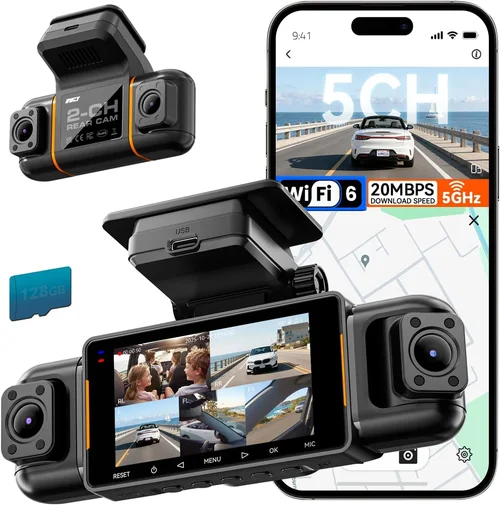
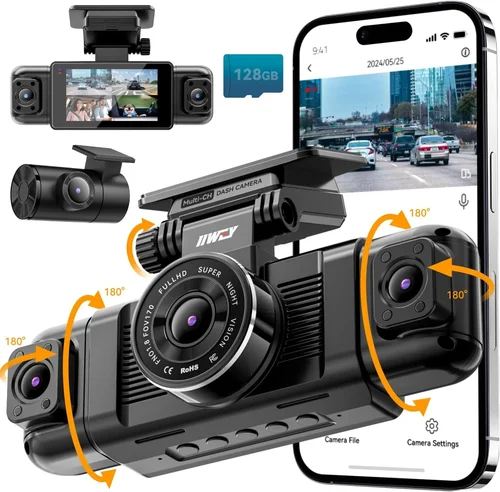
A: Yes, dual or multi-camera systems exist specifically for comprehensive vehicle coverage including rearward visibility or side mirrors. Ensure your power source can handle combined consumption requirements and that each unit operates independently without interference. Professional installation helps coordinate wiring layouts and prevent signal conflicts between interconnected devices.
Q: How do I choose the right memory card capacity?
A: Calculate based on average daily driving time multiplied by desired retention days divided by estimated hourly recording volume. For example, 30 minutes daily driving plus 30 days retention equals 15 hours total recording. At 1080p compression ratios, this translates to approximately 32GB required capacity. Round up to nearest convenient size like 64GB for buffer space and easier file management.
Q: What maintenance does dash cams require?
A: Regular cleaning of exterior lenses using lint-free cloths removes dust and smudges that degrade image clarity. Monthly firmware updates ensure optimal performance and bug fixes. Quarterly formatting prevents storage corruption issues. Backup important footage periodically to prevent data loss during hardware failures. Store backup copies securely either locally or through encrypted cloud services.
Q: Can dash cams work during extreme weather conditions?
A: Quality dash cams operate reliably across temperature ranges from -20°C to +70°C, handling both freezing winters and scorching summers. However, extreme precipitation may temporarily obscure lenses or affect audio quality. Anti-fog coatings and hydrophobic lens treatments improve performance during humidity changes. Verify manufacturer specifications for specific environmental ratings matching your climate expectations.
Our Final Recommendations
Best for Budget-Conscious Buyers
For drivers seeking essential protection without overspending, the VIOFO A119 V3 delivers exceptional value with reliable 1080p recording, responsive G-sensor technology, and robust build quality typically retailing around $80. Its compact form factor fits discreetly on most windshields while maintaining clear visibility during daytime hours. While lacking advanced connectivity features, this camera excels at capturing critical incident details when they matter most, providing peace of mind within strict budget constraints.
Best Overall Value
The Thinkware U1000 strikes an impressive balance between affordability and premium functionality, offering 4K recording capability previously reserved for high-end models. Priced competitively around $180, this camera incorporates superior image stabilization, enhanced low-light performance, and intuitive mobile app integration. Dual-channel recording captures both front and rear perspectives simultaneously, making it ideal for families or commuters requiring comprehensive coverage without breaking the bank.
Best Premium Option
BlackVue DR970X-2CH stands apart through its military-grade durability, cloud connectivity features, and forensic-quality video output typically found in professional surveillance equipment. Priced above $300, this system includes GPS logging, Wi-Fi hotspot functionality, and automatic cloud backup capabilities that synchronize footage securely to remote servers. Advanced driver assistance features like lane departure warnings and forward collision alerts further elevate its protective capabilities beyond basic recording requirements.
Best for Beginners
Garmin Dashcam Mini offers hassle-free setup and reliable performance at accessible price points starting around $120. Its streamlined interface prioritizes ease-of-use over complex customization options, making it perfect for first-time users unfamiliar with dash cam technology. Automatic update notifications and straightforward mounting procedures reduce learning curves while ensuring optimal functionality from day one of ownership.
Best for Advanced Users
Nextbase 522GW delivers cutting-edge innovation through voice control integration, Alexa compatibility, and intelligent parking monitoring typically unavailable in conventional dash cams. Priced near $200, this model incorporates emergency SOS features, advanced driver coaching tools, and seamless smartphone synchronization. Real-time traffic incident alerts provide proactive safety benefits beyond passive recording functions sought by experienced drivers.
Conclusion: Making the Right Choice
Selecting the best dash cam for your budget ultimately comes down to understanding your unique priorities and aligning them with available features within your financial constraints. Rather than chasing the latest technological trends or focusing exclusively on lowest-price options, successful buyers evaluate their actual driving patterns, environmental conditions, and risk tolerance to determine which capabilities deliver genuine value. Remember that a moderately priced camera with proven reliability often outperforms an expensive unit plagued by software bugs or inconsistent performance.
Take time to test sample footage from different resolution formats, assess low-light capabilities through review videos, and compare mounting solutions against your vehicle’s interior layout before committing to any purchase. Don’t hesitate to leverage retailer return policies for hands-on evaluation periods that confirm real-world usability matches advertised specifications. With careful consideration of these factors, you’ll find dash cam solutions that protect both your vehicle and peace of mind without straining your finances unnecessarily.