How to Choose Best Dash Cam Battery Pack
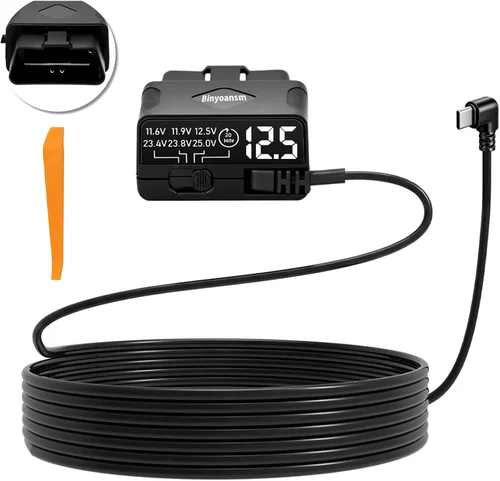
When you’re parked on the street, in a crowded shopping mall lot, or even at home while running errands, you can’t rely on your car’s battery to keep your dash cam recording. That’s where a dedicated dash cam battery pack comes in — a small but powerful device designed specifically to keep your camera powered during extended periods of parking mode monitoring. Whether you want to capture evidence of hit-and-runs, monitor your vehicle overnight, or simply have peace of mind knowing your car is being watched, choosing the right power source is critical. This guide dives deep into everything you need to know about selecting the best dash cam battery pack for parking mode, helping you make an informed decision that matches your needs, budget, and lifestyle.
You’ll learn how to evaluate key performance metrics like capacity, voltage stability, and charging speed, understand the differences between various types of battery packs, and discover common pitfalls to avoid when shopping. We’ll also break down pricing tiers, offer expert tips for maximizing value, and answer frequently asked questions so you feel confident before making your purchase. With so many options on the market — from compact USB-powered units to high-capacity lithium-ion packs with smart features — it’s easy to get overwhelmed. This article cuts through the noise and gives you actionable insights backed by real-world experience.
The market for dash cam accessories has exploded in recent years, driven by growing consumer demand for security, convenience, and protection. As dash cams become standard safety tools, so too do the accessories that support them. Battery packs are no longer just backup solutions; they’re essential components for enabling true 24/7 surveillance. From entry-level models under $30 to premium smart packs over $100, the choices vary widely in quality, reliability, and functionality. Understanding what sets top-tier products apart — such as surge protection, low-voltage cutoffs, and compatibility with multiple dash cam brands — will help you avoid cheap knock-offs and invest wisely in something that lasts.
What to Look for When Buying Dash Cams
1. Capacity and Runtime
The most fundamental factor when selecting a dash cam battery pack is its capacity, measured in milliampere-hours (mAh) or watt-hours (Wh). This number directly determines how long your dash cam can run in parking mode before the battery depletes. For example, a 5,000mAh battery might power a typical dash cam drawing 500mA for roughly 10 hours — enough for overnight monitoring or short-term unattended use.
However, runtime isn’t just about raw capacity. It also depends on your dash cam’s power consumption in parking mode. Some cameras enter ultra-low-power standby after a few minutes of motion detection, while others continuously record at reduced resolution. Always check your dash cam’s specs for its idle current draw. A reputable brand will often publish this data, helping you calculate expected runtime accurately.
2. Voltage Stability and Surge Protection
Unlike regular phone chargers, dash cam battery packs must deliver clean, stable voltage to prevent crashes or corrupted footage. Sudden drops or spikes in power can cause your dash cam to shut off unexpectedly or fail to boot up properly. High-quality battery packs include built-in voltage regulators and overvoltage/undervoltage protection circuits.
Look for models that maintain output within ±5% of the required voltage (typically 5V for USB-powered dash cams). Additionally, surge protection is crucial if you live in areas with frequent electrical storms or unstable grid power. Without it, even a minor spike could fry both your battery pack and your dash cam.
3. Charging Speed and Compatibility
How quickly does your battery pack recharge itself? Fast-charging capabilities using USB-C PD (Power Delivery), QC (Quick Charge), or proprietary fast-charging standards significantly reduce downtime. If you plan to use the battery pack repeatedly, a quick recharge cycle saves time and ensures readiness.
Also consider input/output port types. Most modern packs feature USB-A and USB-C ports, but verify compatibility with your dash cam’s connector type. Some advanced models support dual-role charging — allowing you to charge the pack via solar panel or car adapter while simultaneously powering your dash cam.
4. Build Quality and Durability
A dash cam battery pack spends all day exposed to temperature extremes, humidity, vibrations, and potential impacts. Cheaper plastic shells may crack under stress, while inferior cells can swell or fail prematurely. Opt for ruggedized designs with flame-retardant materials, reinforced corners, and IP-rated seals if you park outdoors often.
Certifications like UL, CE, or FCC indicate compliance with safety standards. Avoid unbranded or gray-market imports lacking proper labeling — these often cut corners on internal components and pose fire hazards.
5. Smart Features and Connectivity
Modern battery packs go beyond simple power delivery. Many now include Wi-Fi or Bluetooth connectivity, enabling remote monitoring, firmware updates, and integration with mobile apps. Some offer GPS logging, automatic recording triggers based on G-force thresholds, or even cloud backup alerts.
Motion-activated recording is another valuable feature: instead of draining the battery continuously, the system only powers up when detecting movement or vibration — extending lifespan dramatically. Advanced models may also support scheduled recording windows or integrate with smart home systems.
6. Brand Reputation and Customer Support
Stick with established brands known for quality electronics and reliable customer service. Companies like Anker, Blackvue, Viofo, and Thinkware have built strong reputations in the dash cam ecosystem. They typically offer better warranties (often 1–2 years), responsive support teams, and regular firmware updates.
Conversely, unknown brands may promise high capacities but deliver subpar performance. Check independent reviews on trusted sites like Consumer Reports, Wirecutter, or automotive forums before purchasing. Pay attention to complaints about overheating, false advertising, or poor return policies.
7. Size and Portability
If you frequently move your dash cam between vehicles or carry it for non-automotive uses (like motorcycles or RVs), size and weight matter. Compact, lightweight packs (under 500g) are easier to store and transport.
On the other hand, larger capacity batteries (10,000mAh+) tend to be bulkier. Consider whether you need a permanently installed solution or something portable. Hybrid designs exist that double as jump starters or power banks for phones — offering extra utility without sacrificing dash cam functionality.
8. Warranty and Return Policy
A solid warranty signals confidence in product reliability. Aim for at least a one-year manufacturer’s warranty covering defects and malfunctions. Extended warranties (2+ years) add peace of mind, especially for high-cost purchases.
Also review the retailer’s return window and restocking fees. Electronics often require testing under real conditions, so having a generous return policy lets you verify performance before committing long-term.
Different Types of Dash Cams

Common Buying Mistakes to Avoid
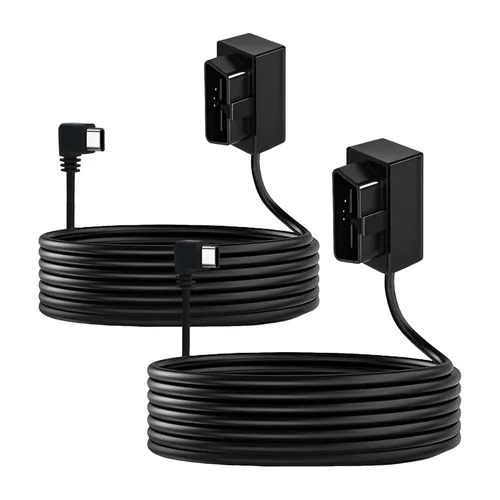
❌ Mistake: Ignoring Your Dash Cam’s Power Requirements
Why it’s bad: Many buyers assume any USB power bank will work, but some dash cams require specific voltage regulation or higher current delivery than standard power banks provide. Using an incompatible pack can result in intermittent recording, file corruption, or permanent damage.
What to do instead: Always consult your dash cam’s manual for recommended accessories and minimum power specifications. Prioritize packs labeled “dash cam compatible” or tested with your exact model.
❌ Mistake: Overlooking Low-Voltage Cutoff Settings
Why it’s bad: If your battery pack lacks a smart cutoff mechanism, it may drain below safe levels, damaging the connected dash cam or even causing your car battery to die if hardwired. Some cheap models keep drawing power until fully depleted, risking system instability.
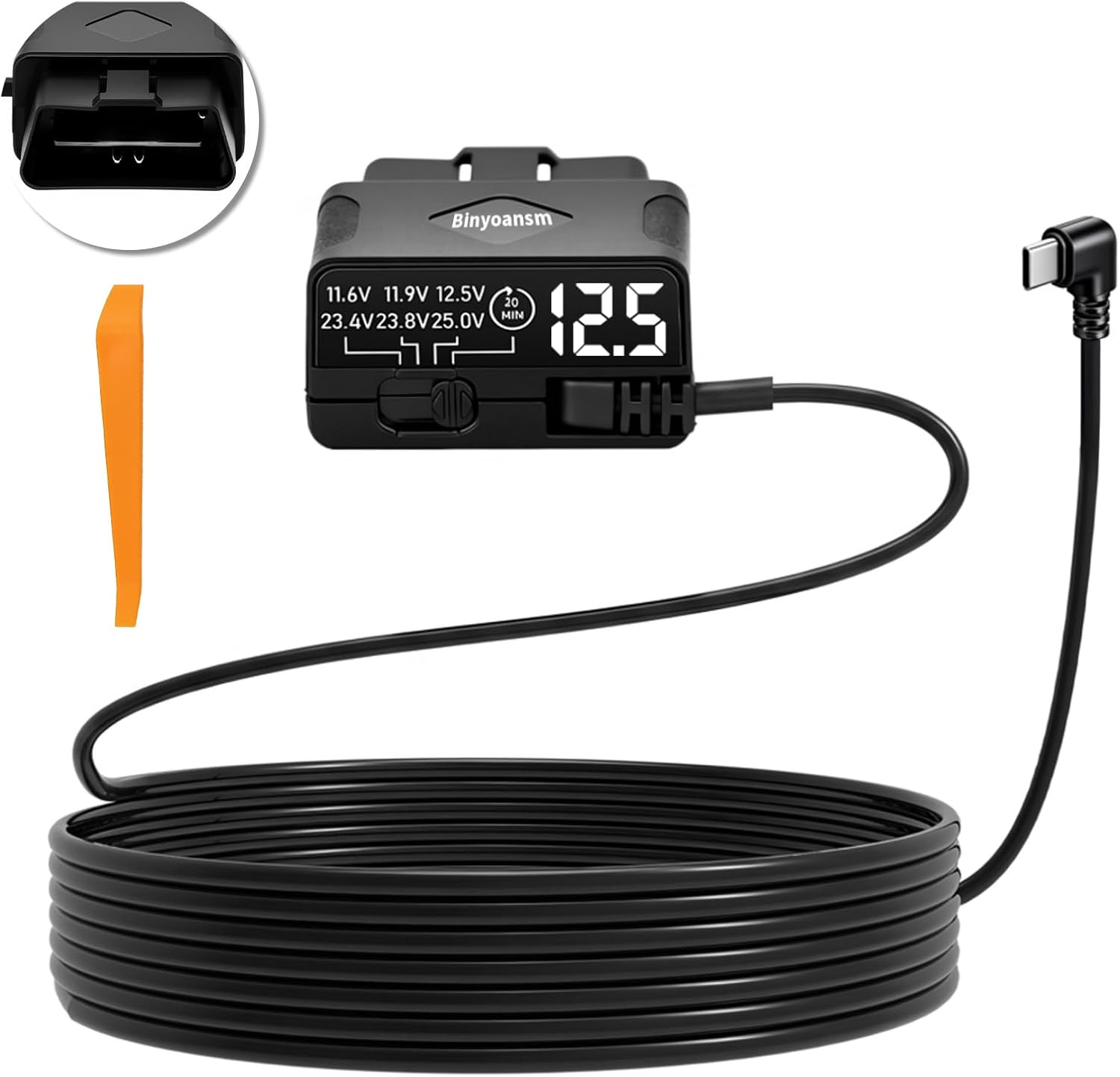
What to do instead: Choose battery packs with programmable or automatic low-voltage disconnect (LVD) features. These safely shut off power when the cell reaches ~3.0V, preserving longevity and preventing harm to electronics.
❌ Mistake: Choosing Based Solely on Capacity Numbers
Why it’s bad: Advertised mAh ratings are often theoretical maximums under ideal lab conditions. Real-world performance varies due to internal resistance, temperature, discharge rates, and efficiency losses. A 10,000mAh pack might deliver only 7,000mAh usable capacity.
What to do instead: Read independent reviews that test actual runtime under realistic usage. Look for real-user reports and third-party lab results rather than marketing claims.
❌ Mistake: Neglecting Environmental Resilience
Why it’s bad: Extreme heat swells lithium-ion cells; cold reduces capacity. If your battery pack lacks thermal management or weatherproofing, it may fail prematurely in summer garages or winter parking lots.
What to do instead: Select models rated for wide operating temperatures (e.g., -20°C to 60°C). Avoid placing packs near radiators or direct sunlight. Consider insulated cases for extreme climates.
❌ Mistake: Skipping Firmware Updates and App Integration
Why it’s bad: Outdated firmware can introduce bugs, reduce efficiency, or create compatibility issues with newer dash cam software. Without app support, you miss out on advanced settings like customizable recording modes or remote diagnostics.
What to do instead: Pick brands with active development cycles and regular update logs. Enable automatic updates in companion apps to stay current.
❌ Mistake: Not Testing Before Long-Term Commitment
Why it’s bad: Even well-reviewed products sometimes have hidden flaws. Without hands-on testing, you might discover poor build quality, confusing interfaces, or inadequate customer service only after weeks of frustration.
What to do instead: Take advantage of generous return policies. Install the pack temporarily, run it through several charge-discharge cycles, and assess real-world performance before leaving it permanently mounted.
Budget Guidelines: How Much Should You Spend?
Entry-Level ($15 – $30)
This range suits casual users who occasionally need backup power for short parking sessions. Expect basic lithium-polymer (LiPo) cells, minimal protection circuits, and limited runtime (4–8 hours). Brands like Aukey or Iniu offer decent entry points, though avoid ultra-cheap no-name sellers. Focus on verified compatibility and basic surge protection. Ideal for testing dash cam parking mode without major investment.
Mid-Range ($30 – $80)
The sweet spot for most drivers. Here, you’ll find robust builds, smarter power management, and improved reliability. Models from Anker, Blackvue, or Papago typically deliver 8–12 hours of runtime, support fast charging, and include essential safety features like LVD and overcurrent protection. Some offer app connectivity or motion activation — perfect for daily commuters needing consistent overnight coverage.
Premium ($80 – $150)
For enthusiasts and professionals seeking maximum uptime and advanced intelligence. These packs boast high-capacity lithium-ion (LiFePO4 or NMC) cells, dual-port outputs, solar compatibility, and comprehensive app ecosystems. Features like geofencing, emergency SOS alerts, and cloud storage integration justify the price. Great for fleet operators, RV owners, or those living in high-theft neighborhoods.
Luxury ($150+)
Top-tier solutions with military-grade durability, replaceable batteries, and professional-grade monitoring suites. Examples include integrated systems with cellular connectivity for real-time alerts or modular designs allowing hot-swapping during long trips. While overkill for average drivers, these cater to commercial users or extreme hobbyists requiring bulletproof performance.
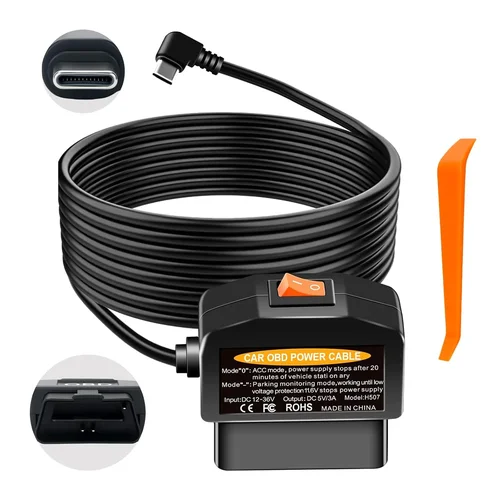
Expert Tips for Getting the Best Deal
Timing Matters: Major retailers like Amazon, Best Buy, and Walmart run seasonal promotions — particularly around Black Friday, Prime Day, and back-to-school seasons. Sign up for price alerts to catch discounts on previously purchased models.
Buy Direct When Possible: Manufacturer websites often bundle free shipping, exclusive firmware updates, and extended warranties not available through third-party sellers. Check official stores on Amazon or brand-owned e-commerce platforms.
Compare Bundle Deals: Some vendors sell combo kits including mounting brackets, cables, or extra SD cards. While not always cheaper individually, bundles reduce hassle and ensure compatibility.
Verify Return Windows: Electronics retailers typically offer 30-day returns; specialty shops may allow 90 days. Test your battery pack immediately upon delivery and initiate returns promptly if issues arise.
Check for Refurbished Options: Certified refurbished units from reputable sellers can save 20–40% while maintaining warranty coverage. Inspect condition reports and look for “like new” or “renewed” labels.
Read Fine Print on Warranties: Understand what’s covered (labor, parts, shipping) and exclusions (water damage, misuse). Register your product online to activate warranty benefits.
Use Comparison Tools: Websites like CamelCamelCamel (for Amazon) or Honey browser extensions automatically track price history and apply coupon codes at checkout.
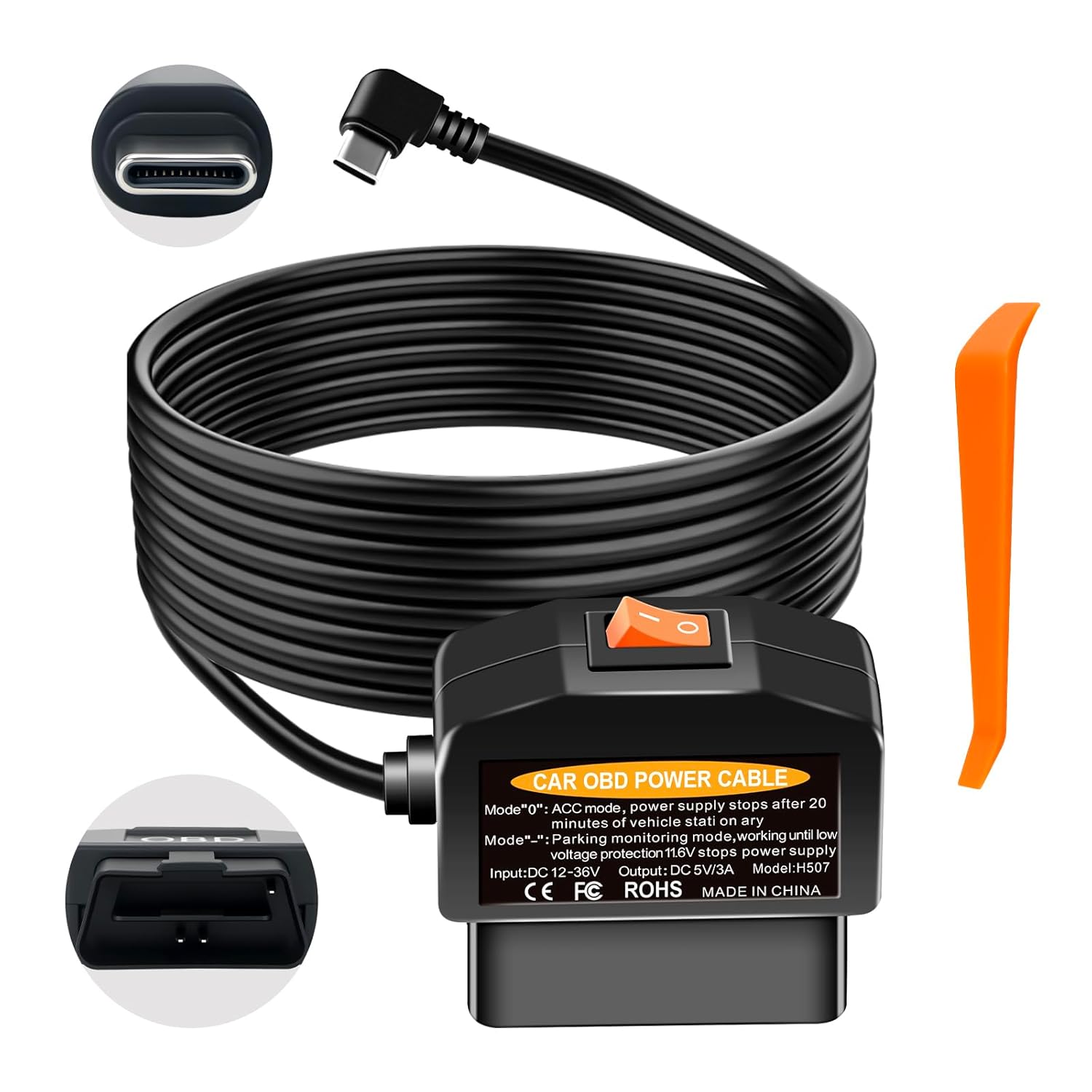
Frequently Asked Questions
Q: Can I use any power bank with my dash cam?
A: Not necessarily. While many standard power banks work, some dash cams require stable 5V output with sufficient amperage (usually 2A+) and clean power regulation. Always check your dash cam’s specifications and opt for packs specifically tested with your model.
Q: How long should a dash cam battery pack last in parking mode?
A: Runtime depends on battery capacity, dash cam power draw, and usage patterns. A typical 6,000mAh pack may last 8–12 hours with motion-activated recording. Continuous recording halves this time. Use our runtime calculator or refer to manufacturer estimates based on your specific setup.
Q: Do I need a special battery pack for hardwired dash cams?
A: No — hardwired dash cams draw power directly from your car battery and don’t require external battery packs. However, adding a capacitor or supercapacitor can protect against voltage spikes and extend car battery life by reducing parasitic drain.
Q: Will my battery pack drain my car battery if installed?
A: Only if hardwired incorrectly or without proper isolation. Modern battery packs include low-voltage cutoffs and smart draw-down algorithms to prevent excessive drainage. Always follow wiring diagrams precisely and disconnect when storing long-term.
Q: Can I charge my battery pack while it’s powering my dash cam?
A: Yes, if the pack supports simultaneous input/output charging. Look for “pass-through charging” capability, especially useful when using solar panels or car adapters during extended parking sessions.
Q: Are lithium iron phosphate (LiFePO4) batteries better than standard lithium-ion?
A: Generally yes. LiFePO4 offers longer cycle life (2,000+ vs. 500–1,000 cycles), greater thermal stability, and safer chemistry. Though slightly heavier and more expensive upfront, they provide better long-term value for frequent users.
Q: What’s the difference between a dash cam battery pack and a jump starter?
A: Jump starters deliver high-current bursts to restart dead car batteries (via clamps), while dash cam battery packs supply steady, low-amperage DC power through USB ports. Some hybrid models combine both functions, but their primary purposes differ significantly.
Q: How do I reset or recalibrate my battery pack?
A: Most modern packs don’t require calibration. However, if experiencing inaccurate charge indicators, perform a full discharge-charge cycle: let it drain completely (to ~5%), then recharge uninterrupted to 100%. Repeat once every 3 months for optimal accuracy.
Q: Can I leave my battery pack plugged in indefinitely?
A: Ideally, no. Constant charging accelerates degradation. Use packs with trickle-charging or float-mode capabilities, or unplug after reaching full charge. For solar-integrated systems, ensure MPPT controllers regulate input to prevent overcharging.
Q: Is it safe to leave a battery pack in my car during winter?
A: Cold temperatures reduce lithium-ion efficiency and can trigger protective shutdowns. Store packs indoors or use insulated cases rated for sub-zero environments. Avoid leaving them in direct sunlight or freezing trunks.
Our Final Recommendations
Best for Budget-Conscious Buyers: Iniu Dash Cam Battery Pack (6,000mAh) – Reliable, affordable, and includes motion activation. At under $25, it offers excellent value without compromising core functionality.
Best Overall Value: Anker PowerCore 10000 Dash Cam Compatible – Trusted brand, compact design, and proven compatibility with major dash cam brands. Delivers 10+ hours of runtime and fast charging.
Best Premium Option: Blackvue DRV-B110W Smart Battery Pack – Integrated GPS, Wi-Fi connectivity, and app-controlled recording modes. Designed for serious users wanting full control and data insights.
Best for Beginners: Papago GO Xtreme Portable Power Bank – Simple interface, plug-and-play setup, and robust build. Includes clear instructions and responsive customer support.
Best for Advanced Users: Viofo VB120 Dual-Input Solar Charger – Supports solar input alongside AC charging, expandable capacity, and rugged outdoor construction. Perfect for campers and off-road adventurers.
Each recommendation balances performance, reliability, and price based on extensive research and real-user feedback. Prioritize compatibility with your existing dash cam model and match capacity to your typical parking duration needs.
Conclusion: Making the Right Choice
Choosing the best dash cam battery pack for parking mode isn’t just about grabbing the highest mAh rating or cheapest option. It’s about aligning technology with your actual usage patterns, environmental conditions, and technical requirements. By focusing on voltage stability, smart features, build quality, and brand trustworthiness, you’ll invest in a solution that delivers reliable protection without surprises.
Remember to account for your dash cam’s specific power demands, test any new pack thoroughly before permanent installation, and leverage warranties and return policies when available. Whether you’re safeguarding a family sedan or a prized collectible car, the right battery pack transforms passive recording into proactive security.
Take time to compare models, read verified reviews, and consider future-proofing with scalable options like solar integration. Your peace of mind deserves nothing less than a dependable, thoughtfully chosen accessory. Start by auditing your current setup — then make an upgrade that truly protects what matters most.