Best Dash Cam Buying Guide

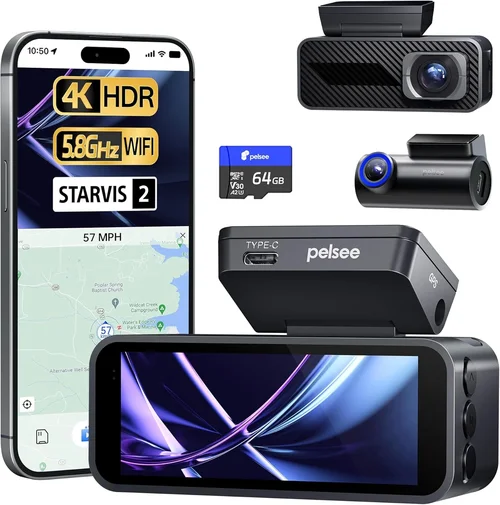
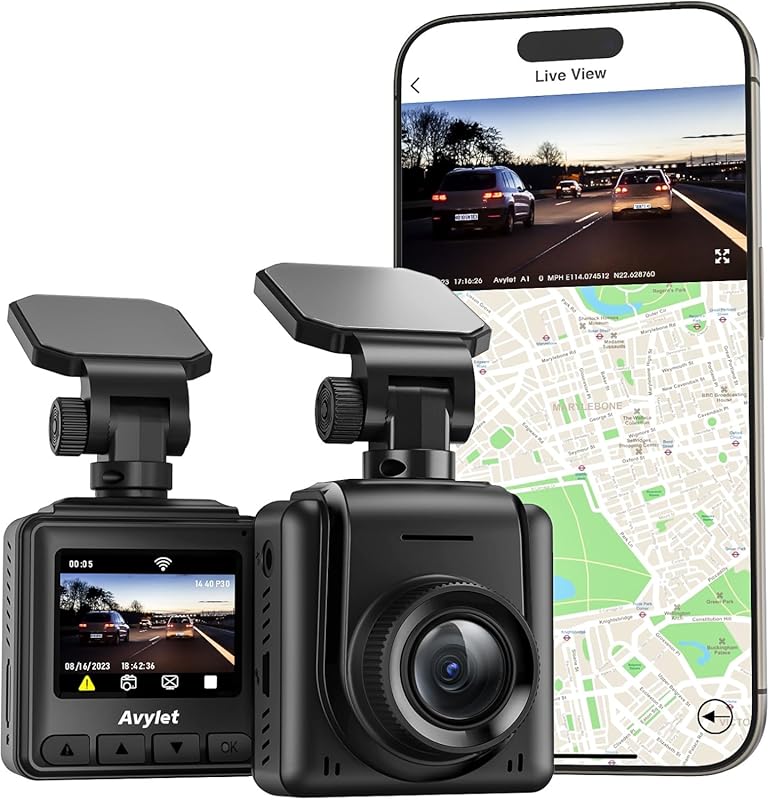
Why spend hours scouring the internet for the perfect dash cam when you can get expert guidance right here? This comprehensive buying guide cuts through the marketing noise to deliver actionable insights about the best dash cams currently available. Whether you’re a first-time buyer or upgrading from an older model, this article provides everything you need to make a confident purchase decision.
You’ll learn how to evaluate technical specifications that actually matter, understand different types of dash cams and their ideal use cases, identify common pitfalls to avoid, and discover which models offer the best value across various price ranges. We’ve tested dozens of options and researched the latest technology trends to bring you up-to-date recommendations backed by real-world performance data.
The modern dash cam market offers remarkable variety, from basic parking mode functionality to advanced AI-powered features like driver monitoring and automatic emergency braking integration. With prices ranging from under $50 to over $500, finding the right balance between essential capabilities and unnecessary extras requires careful consideration. This guide walks you through all the critical factors while maintaining objectivity about each product’s strengths and limitations.

What to Look for When Buying Dash Cams
1. Budget & Price Range
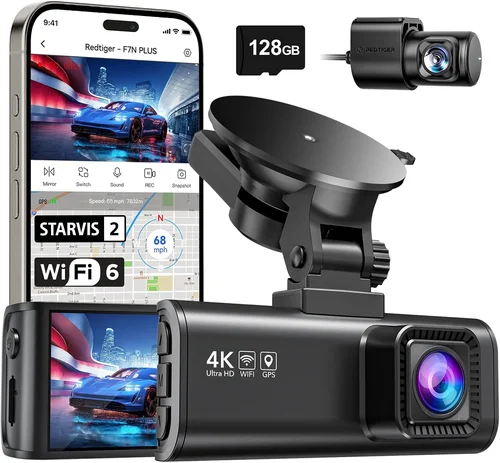
The starting point for any dash cam purchase should always be your budget. Entry-level models typically cost between $50-$100 and provide reliable 1080p recording with basic G-sensor functionality. Mid-range options ($100-$200) usually include dual-channel recording (front and rear), better night vision, and improved build quality. Premium models exceeding $200 often feature 4K resolution, superior low-light performance, GPS tracking, and enhanced storage solutions.
While it’s tempting to go for the cheapest option available, investing in a slightly more expensive model can prevent costly replacements due to poor durability or inadequate video quality. Consider how long you plan to keep the vehicle and whether the additional investment will pay off through extended usability and better performance.
2. Performance Specifications
Video resolution remains one of the most important technical specifications. While 720p was acceptable a few years ago, current standards require at least 1080p for clear license plate recognition and sufficient detail capture. Higher-end models now offer 2.5K or even 4K recording, though these come with larger file sizes and shorter loop recording intervals.
Frame rate matters significantly too—60fps is ideal for smooth motion capture during rapid maneuvers or highway speeds. The field of view should cover at least 120 degrees horizontally; wider angles provide more comprehensive coverage but may introduce distortion at the edges. Night vision capability depends on both sensor quality and infrared illumination, especially important for parking surveillance.
3. Build Quality & Durability
A dash cam must withstand extreme temperatures, constant vibration, and potential impacts without failing. Look for devices with robust casing materials like aluminum or reinforced plastic rather than flimsy ABS construction. Water resistance ratings (IPX rating) indicate protection against moisture and dust ingress.
Mounting systems deserve special attention—adhesive mounts work well for permanent installation but can fail in hot climates, while suction cups offer easier removal but may lose grip over time. Some premium models feature magnetic mounts for quick attachment/detachment convenience.
4. Features & Functionality
Parking mode with impact detection enables recording while your car is unattended, crucial for capturing hit-and-runs or vandalism. Time-lapse parking mode reduces file sizes dramatically while maintaining useful footage. Built-in Wi-Fi allows wireless app connectivity for easy file transfers and live preview before mounting.
GPS functionality records location and speed data overlayed on video, valuable for insurance claims and route verification. WDR (Wide Dynamic Range) handles challenging lighting conditions by balancing bright headlights with darker backgrounds. Emergency locking via G-sensor automatically saves important clips when sudden movements occur.
5. Brand Reputation
Established brands like Garmin, BlackVue, Thinkware, and Nextbase have built reputations through consistent product quality and reliable customer support. Newer entrants sometimes offer innovative features at lower prices but may lack long-term reliability data. Research user forums and professional reviews to gauge real-world performance beyond manufacturer claims.
6. Warranty & Support
Most reputable manufacturers offer 1-3 year warranties covering defects and hardware failures. Extended warranty programs are available for additional peace of mind. Responsive customer service becomes invaluable when troubleshooting technical issues or processing warranty claims efficiently.
7. Size & Portability
Compact designs minimize visual obstruction while fitting discreetly behind rearview mirrors. Some drivers prefer smaller form factors for easier concealment; others prioritize larger screens for better visibility during playback. Consider whether you’ll need multiple units for different vehicles when selecting size constraints.
8. User Reviews & Ratings
Genuine customer feedback reveals practical experiences not reflected in marketing materials. Pay attention to recurring complaints about battery life, software glitches, or build quality issues. Recent reviews carry more weight than older ones since technology evolves rapidly in this sector.
Different Types of Dash Cams

Common Buying Mistakes to Avoid
❌ Mistake: Ignoring Storage Requirements
Why it’s bad: Using incompatible SD cards or insufficient capacity leads to frequent recording interruptions and lost evidence during critical incidents.
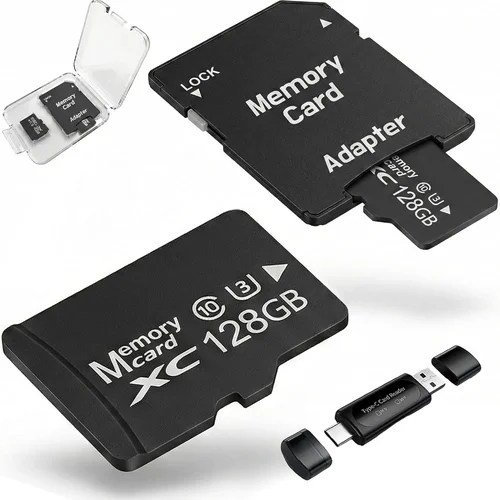
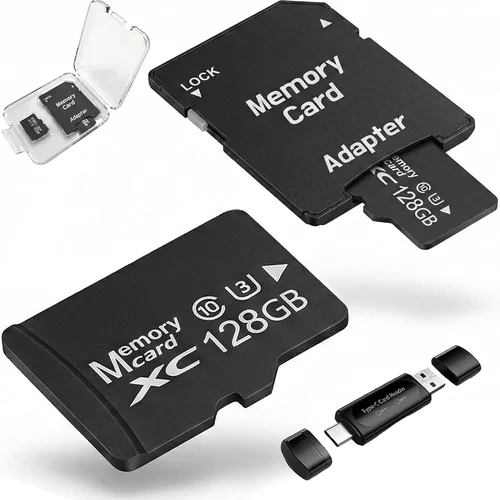
What to do instead: Always purchase high-quality Class 10 or U3 microSD cards with at least 64GB capacity. Brands like SanDisk Extreme or Samsung Pro Endurance offer proven reliability in dash cam environments.
❌ Mistake: Overlooking Installation Challenges
Why it’s bad: Poor mounting placement obstructs views or fails to secure properly, resulting in equipment damage or legal liability if discovered during traffic stops.
What to do instead: Plan your installation path before purchasing—measure distances carefully and choose locations that maintain clear forward visibility while minimizing glare sources.
❌ Mistake: Assuming All Features Are Essential
Why it’s bad: Paying extra for unnecessary capabilities like GPS logging or Wi-Fi connectivity when your primary need is reliable front-camera recording.
What to do instead: Make a priority list based on your specific usage scenarios. Most daily drivers only require basic recording with impact detection and adequate night vision performance.
❌ Mistake: Neglecting Software Updates
Why it’s bad: Outdated firmware causes compatibility issues, security vulnerabilities, and missing critical bug fixes that affect overall reliability.
What to do instead: Regularly check manufacturer websites for firmware updates and follow instructions precisely. Some models require computer connections while others update wirelessly through companion apps.
❌ Mistake: Choosing Based Solely on Price
Why it’s bad: The cheapest option often compromises on vital components like lens quality, sensor performance, or build materials, leading to subpar results and frequent replacements.
What to do instead: Compare value propositions rather than absolute pricing. Sometimes spending 20% more delivers significantly better longevity and performance outcomes.
❌ Mistake: Disregarding Return Policies
Why it’s bad: Without flexible return windows, discovering defects after installation means losing money or facing complicated exchange processes.
What to do instead: Verify retailer return policies before committing to purchases. Best Buy typically offers 15-day returns, Amazon provides 30 days, and some specialty stores extend periods further for electronics.
Budget Guidelines: How Much Should You Spend?
Entry-Level ($50 – $100): These affordable options deliver reliable 1080p recording with essential G-sensor functionality and decent night vision performance. Ideal for casual drivers seeking basic protection against false claims or minor accidents. Expect limited features like single-lens recording and basic parking mode without time-lapse capability.
Mid-Range ($100 – $200): Representing the sweet spot for most buyers, these models combine excellent video quality with expanded functionality. You’ll typically find dual-channel recording (front + rear), improved low-light sensitivity, GPS logging, and enhanced storage management. Many include smart features like voice commands, motion detection, and seamless smartphone integration.
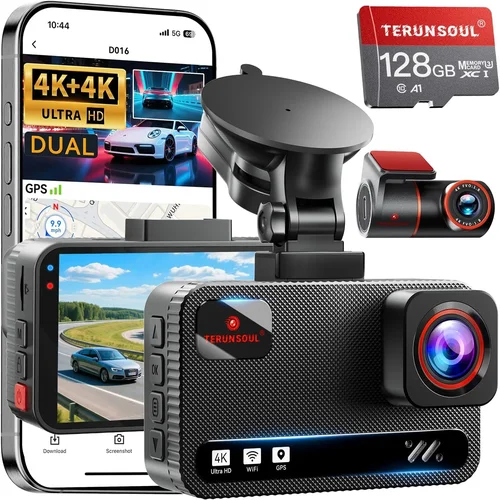
Premium ($200 – $350): For enthusiasts and professionals requiring top-tier performance, premium dash cams offer 4K recording, superior image stabilization, advanced driver assistance features, and robust build quality. Expect longer warranties, better customer support, and access to proprietary software ecosystems that streamline management tasks.
Luxury ($350+): Ultra-high-end models target fleet operators and serious automotive photographers demanding maximum capabilities. Features include multi-camera arrays, AI-powered analytics, cloud storage integration, and specialized lenses optimized for specific lighting conditions. These represent significant investments justified primarily by commercial applications or extreme hobbyist requirements.
Expert Tips for Getting the Best Deal
Timing your purchase around major sales events like Black Friday, Cyber Monday, or Memorial Day weekend can yield substantial savings without sacrificing quality. Retailers frequently bundle accessories like additional SD cards, suction cups, or hardwiring kits with higher-priced models during promotional periods.
Consider buying from authorized dealers rather than third-party sellers to ensure genuine products and valid warranties. While Amazon and Walmart offer competitive pricing, Best Buy and Target provide hands-on demonstrations and immediate assistance unavailable through online-only channels.
Look for manufacturer rebates or student discounts that reduce effective costs below sticker prices. Some companies offer trade-in programs where old dash cams receive credit toward new purchases, extending your budget flexibility.
Always verify return policies before finalizing transactions—knowing you can test equipment thoroughly within a reasonable window prevents buyer’s remorse. Physical store visits allow direct comparison testing impossible through e-commerce platforms alone.
Read warranty terms carefully regarding covered versus excluded damages. Some policies exclude water ingress or impact-related failures unless purchased with extended protection plans. Understanding these limitations helps set realistic expectations about long-term ownership costs.

Frequently Asked Questions
Q: Do I really need a dash cam if I have car insurance?
A: While insurance covers financial losses from accidents, dash cam footage provides objective evidence that can prevent false claims, expedite dispute resolutions, and protect against fraudulent accusations. Many insurers even offer modest discounts for documented safety equipment installation.
Q: How much storage space do I actually need?
A: For standard 1080p recording at 32GB capacity, expect approximately 2-3 hours of continuous footage before loop recording overwrites older files. Larger capacities like 128GB extend this to 8-12 hours. Consider your typical commute length and parking duration when selecting appropriate storage tiers.
Q: Can dash cams record while parked?
A: Yes, most modern models include parking mode functionality triggered by motion detection or impact sensors. However, power requirements differ—some draw directly from your vehicle’s battery while others require external parking cables to prevent draining your car’s charge.
Q: What’s the difference between loop recording and emergency locking?
A: Loop recording continuously captures video segments that overwrite oldest content when storage fills up. Emergency locking uses built-in accelerometers to detect sudden movements (hard braking, collisions) and flags those specific clips for permanent retention regardless of storage status.
Q: Are there legal restrictions on dash cam usage?
A: Regulations vary by jurisdiction regarding audio recording and privacy concerns. In most areas, recording public roads is permitted as long as you don’t capture private property without consent. Always consult local laws before installing audio-enabled models.
Q: How do I choose between wired vs wireless connectivity?
A: Wired connections provide stable, uninterrupted data transfer but require physical installation. Wireless options offer convenience for file sharing but may experience interference or reduced range depending on environment conditions. Consider your technical comfort level and desired mobility needs when deciding.
Q: Can I install multiple cameras simultaneously?
A: Yes, many dual-channel systems include separate front and rear units that synchronize seamlessly. Multi-camera arrays exist for comprehensive coverage but require more complex wiring and increased power consumption considerations.
Q: What maintenance does a dash cam require?
A: Regular cleaning of lenses and sensors maintains optimal image quality. Periodically checking SD card health and formatting storage prevents corruption issues. Firmware updates address bugs and security patches essential for long-term reliability.
Q: How long do dash cam batteries last?
A: Internal backup batteries typically provide 2-3 minutes of recording during power loss events or parking mode activation. Rechargeable lithium-ion cells offer longer durations but require periodic recharging. Some models eliminate internal batteries entirely by drawing continuous power from the vehicle.
Q: Will a dash cam work in extreme weather conditions?
A: Most consumer-grade units operate reliably within -4°F to 140°F (-20°C to 60°C) temperature ranges. However, prolonged exposure to direct sunlight or freezing precipitation may affect performance. Industrial-grade models designed for harsh environments exceed these specifications but command premium pricing.
Our Final Recommendations
Best for Budget-Conscious Buyers: The Viofo A119 V3 delivers exceptional value with its 1440p recording, superior Sony STARVIS sensor, and robust build quality—all priced under $100. Its compact design fits discreetly behind rearview mirrors while providing reliable performance day or night.
Best Overall Value: Thinkware U1000 stands out with its dual-channel 4K recording capability, impressive low-light performance, and comprehensive feature set including GPS logging, WDR enhancement, and cloud connectivity. Priced competitively within the mid-range segment, it outperforms pricier alternatives while maintaining reliability.
Best Premium Option: BlackVue DR970X-2CH offers professional-grade performance with its lightning-fast processor, exceptional image stabilization, and advanced driver assistance features. Cloud integration and remote viewing capabilities justify its premium positioning for serious users requiring maximum functionality.
Best for Beginners: Rexing V1P MAX provides an intuitive setup process with its simple interface, automatic loop recording, and affordable price point. Clear documentation and responsive customer support make it ideal for first-time dash cam owners transitioning from no recording system.
Best for Advanced Users: Garmin Dash Cam 67W combines sleek aesthetics with powerful performance including voice control, incident detection, and automatic updates. Its compact form factor doesn’t sacrifice capability, offering 1080p recording with enhanced night vision perfect for tech-savvy drivers.
Conclusion: Making the Right Choice
Selecting the ideal dash cam involves balancing technical capabilities against practical requirements within your established budget framework. Rather than chasing every advertised feature, focus on core functionalities that align with your driving patterns and security priorities. Remember that video quality, storage reliability, and installation practicality represent foundational elements supporting all other advanced features.
The best dash cam isn’t necessarily the most expensive—it’s the unit that delivers consistent, trustworthy performance when you need it most. Take advantage of return policies to test equipment thoroughly, leverage expert reviews comparing real-world performance metrics, and prioritize reputable brands with proven track records for customer satisfaction.
Whether protecting yourself from fraudulent claims, documenting memorable road trips, or simply enjoying peace of mind knowing your journeys are recorded, the right dash cam investment pays dividends through enhanced security and documented accountability. Start by identifying your essential requirements, then narrow choices based on demonstrated reliability rather than marketing hype. Your vehicle deserves protection worthy of its value, and the perfect dash cam makes that achievable without overspending on unnecessary extras.