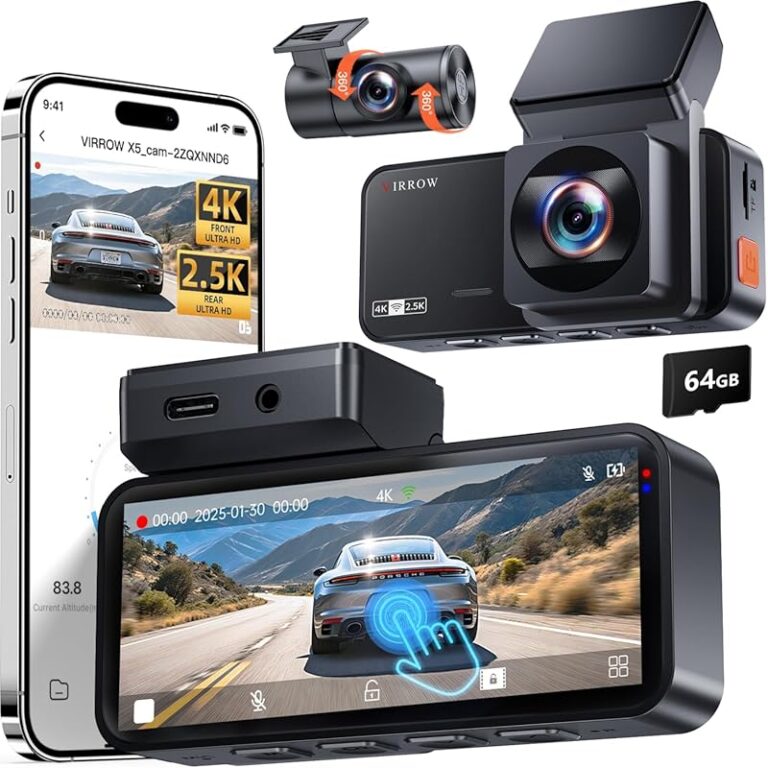
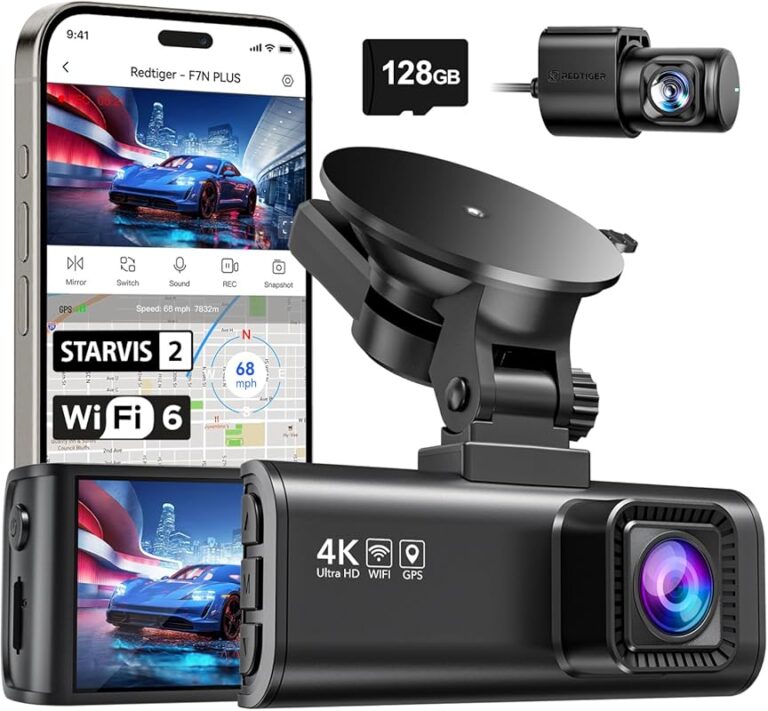
Smart Dash Cam Buying Guide for 2026 Chevy Silverado
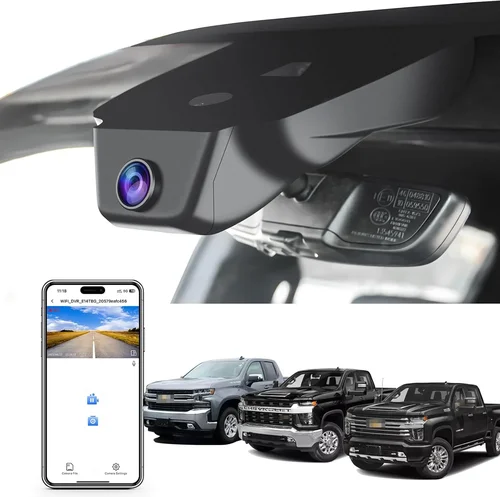
When shopping for a dash cam to pair with your 2026 Chevy Silverado, you’re not just buying a small camera—you’re investing in safety, security, and peace of mind on every mile. The Silverado’s commanding presence on the road makes it an ideal candidate for advanced driver-assistance systems like dash cams, especially given its growing integration with modern vehicle technology. Whether you’re a daily commuter, a long-haul trucker, or someone who simply wants extra protection for their investment, choosing the right dash cam can significantly impact how well you capture incidents, monitor driving behavior, and even enhance your overall driving experience.
This comprehensive guide is designed to walk you through every critical decision point when selecting a dash cam for your 2026 Chevy Silverado. You’ll learn about the latest technological advancements, understand how different features translate into real-world benefits, and discover which models offer the best compatibility with the Silverado’s dashboard layout and power systems. We’ll also break down common pitfalls to avoid, provide expert pricing insights, and deliver actionable recommendations based on performance, value, and ease of use.
The market for automotive cameras has exploded over the past few years, evolving from simple loop-recording devices into intelligent systems capable of parking monitoring, emergency alerts, GPS tracking, and even AI-powered incident detection. With so many options available—from budget-friendly single-lens models to high-end dual-camera setups with cloud connectivity—navigating the choices can feel overwhelming. That’s why this guide cuts through the noise, offering detailed comparisons, honest assessments, and practical advice tailored specifically to owners of the 2026 Chevy Silverado. By the end, you’ll have the knowledge to make a confident, informed purchase that enhances both your vehicle’s functionality and your confidence behind the wheel.
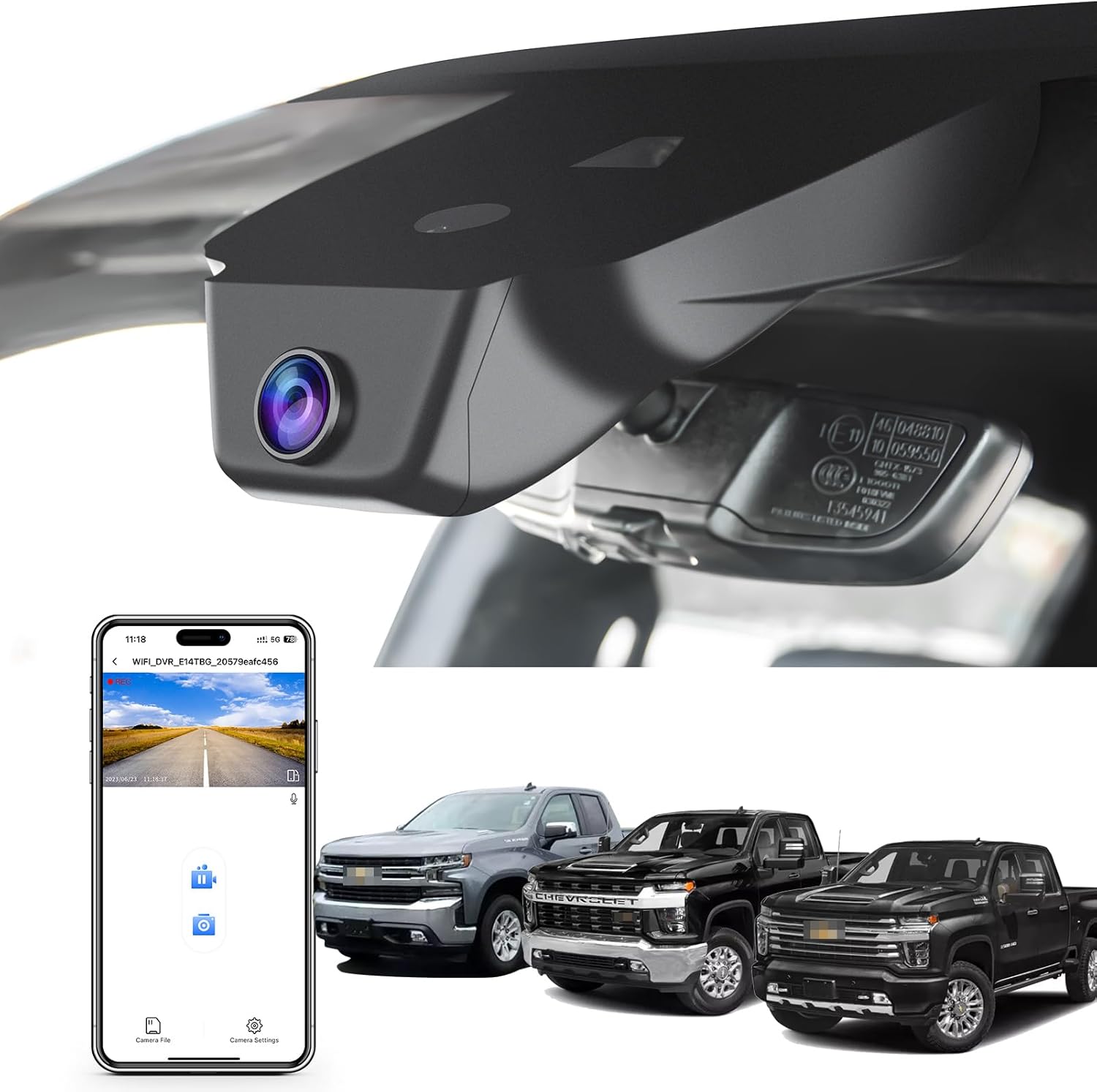
What to Look for When Buying Dash Cams
1. Budget & Price Range
One of the first decisions you’ll need to make is how much you’re willing to spend. Dash cams range dramatically in price, from under $50 for basic models to over $400 for premium systems with multiple cameras and smart features. While it may be tempting to go for the cheapest option, remember that a low-cost dash cam often sacrifices reliability, video quality, and durability—all of which are crucial when you’re relying on it during an actual accident.
For most Silverado owners, we recommend starting in the mid-range category ($100–$200). This sweet spot typically delivers excellent image resolution, reliable recording capabilities, robust build quality, and useful extras like G-sensor auto-detection and loop recording. If you’re a professional driver or frequently travel on unfamiliar roads, consider allocating more toward a premium model with GPS, night vision, or dual-lens setups. Always factor in additional costs such as SD cards (which should be high-end UHS-I or better), mounting kits, and potential subscription fees if using cloud-based services.
2. Performance Specifications
The heart of any dash cam lies in its ability to capture clear, stable footage under varying conditions. Key performance metrics include video resolution, frame rate, field of view (FOV), and low-light sensitivity. For the 2026 Chevy Silverado—a large truck with significant blind spots—opting for at least 1080p Full HD resolution is essential. However, many modern models now offer 2K or even 4K recording, providing sharper details that can make a difference in identifying license plates or facial expressions during disputes.
Frame rates matter too: 30fps is standard, but 60fps improves motion clarity during fast maneuvers or sudden stops. A wider field of view—ideally between 120° and 150°—helps minimize blind spots while avoiding fish-eye distortion. Additionally, look for HDR (High Dynamic Range) support, which balances bright headlights and dark shadows for clearer nighttime recordings. Many top-tier dash cams now use starlight-grade sensors or Sony STARVIS technology to enhance visibility in near-total darkness.
3. Build Quality & Durability
Your dash cam will endure extreme temperatures, vibrations, dust, and moisture—especially important in a full-size pickup like the Silverado, which sees heavy use across diverse terrains. Robust construction isn’t optional; it’s mandatory. Seek models made from heat-resistant materials, shockproof housing, and water-resistant seals (IP65 or higher). Internal components should also be secured against temperature swings common in vehicles left parked in direct sunlight.
Mounting systems play a huge role in longevity. Suction cups degrade over time, especially with repeated heating/cooling cycles. Magnetic mounts offer easier installation but may lack stability at highway speeds. Hardwiring solutions—where the dash cam draws power directly from your Silverado’s fuse box—are far more reliable and eliminate battery drain concerns. Some advanced kits even integrate with your truck’s CAN bus system for automatic startup/shutdown tied to ignition cycles.
4. Features & Functionality
Beyond basic recording, today’s dash cams offer a suite of intelligent features tailored to modern drivers. Emergency event detection via built-in G-sensors automatically saves clips when hard braking, collisions, or abrupt movements occur. Loop recording ensures continuous operation without filling up storage by overwriting older files—but only after securing critical events. Parking mode is another must-have: some models draw minimal power from your Silverado’s battery while still monitoring surroundings, triggering recording if motion or impact is detected.
GPS tagging adds context to videos by embedding speed, location, and direction data—useful for insurance claims or proving fault in disputes. Wi-Fi connectivity enables wireless firmware updates and clip sharing via smartphone apps. Cloud storage subscriptions allow remote access to footage from anywhere, though they come with recurring fees. Voice control and touchscreen interfaces improve usability while driving, reducing distraction risks. Advanced systems may even include lane departure warnings, forward collision alerts, or driver fatigue monitoring—features increasingly found in premium dash cam/ADAS combos.
5. Brand Reputation
Not all brands are created equal. Established names like BlackVue, Garmin, Nextbase, Viofo, and Thinkware have built strong reputations through consistent innovation, customer support, and real-world testing. These companies invest heavily in R&D, resulting in more reliable products with longer lifespans. Newer entrants may offer flashy specs at lower prices, but they often lag in software stability, update frequency, or post-purchase service.
Research user forums, independent reviews, and professional testing results before committing. Brands with active communities and responsive customer service (e.g., responsive email support, detailed FAQs, video tutorials) tend to offer better long-term satisfaction. Also check warranty terms—premium brands usually provide 2–3 year coverage, while budget options may limit repairs or replacements to 90 days.
6. Warranty & Support
A solid warranty reflects manufacturer confidence in their product. Most reputable dash cam brands offer at least a one-year limited warranty covering defects in materials and workmanship. Premium models may extend this to three years or include accidental damage protection. Be sure to register your device promptly and keep proof of purchase—some warranties void if unregistered or purchased through unauthorized sellers.
Customer support accessibility is equally vital. Does the brand offer live chat, toll-free numbers, or regional service centers? Can you easily download firmware updates or troubleshoot issues online? Brands with global presence (like BlackVue or Garmin) often have localized support teams, making returns or repairs simpler regardless of where you drive your Silverado.
7. Size & Portability
While dash cams are stationary by design, size affects both aesthetics and functionality. Compact units (under 3 inches wide) blend seamlessly into your Silverado’s dashboard without obstructing views. Larger models may house bigger sensors or cooling fans for sustained recording, but risk blocking rearview mirrors or creating glare. Consider whether you want a single front-facing unit or a dual-system with rear camera—this impacts bulkiness and wiring complexity.
If you occasionally tow trailers or switch between vehicles, portability matters. Some users install primary dash cams permanently but carry secondary portable units for backup coverage. Magnetic mounts or suction cup designs facilitate quick transfers between trucks, though these sacrifice hardwired reliability. Always test fitment in your specific Silverado trim (e.g., LT vs. High Country) since cabin layouts vary slightly.
8. User Reviews & Ratings
Real-world feedback reveals truths that spec sheets miss. Pay attention to recurring praises or complaints across multiple platforms—Amazon, Best Buy, B&H Photo, and specialized automotive forums. Look for patterns: do users consistently mention poor night vision? Frequent freezing? Inconvenient menu navigation? Negative reviews about battery drainage or false triggers in parking mode are red flags.
Also examine review recency. A 5-star rating from two years ago might reflect outdated performance if the product received no updates since. Conversely, newer models with fewer reviews could still be trustworthy if backed by credible tech publications or industry awards. Balance quantitative ratings (average stars) with qualitative insights (detailed written reviews) for a fuller picture.
Different Types of Dash Cams
Common Buying Mistakes to Avoid
❌ Mistake: Ignoring Compatibility with Your Vehicle
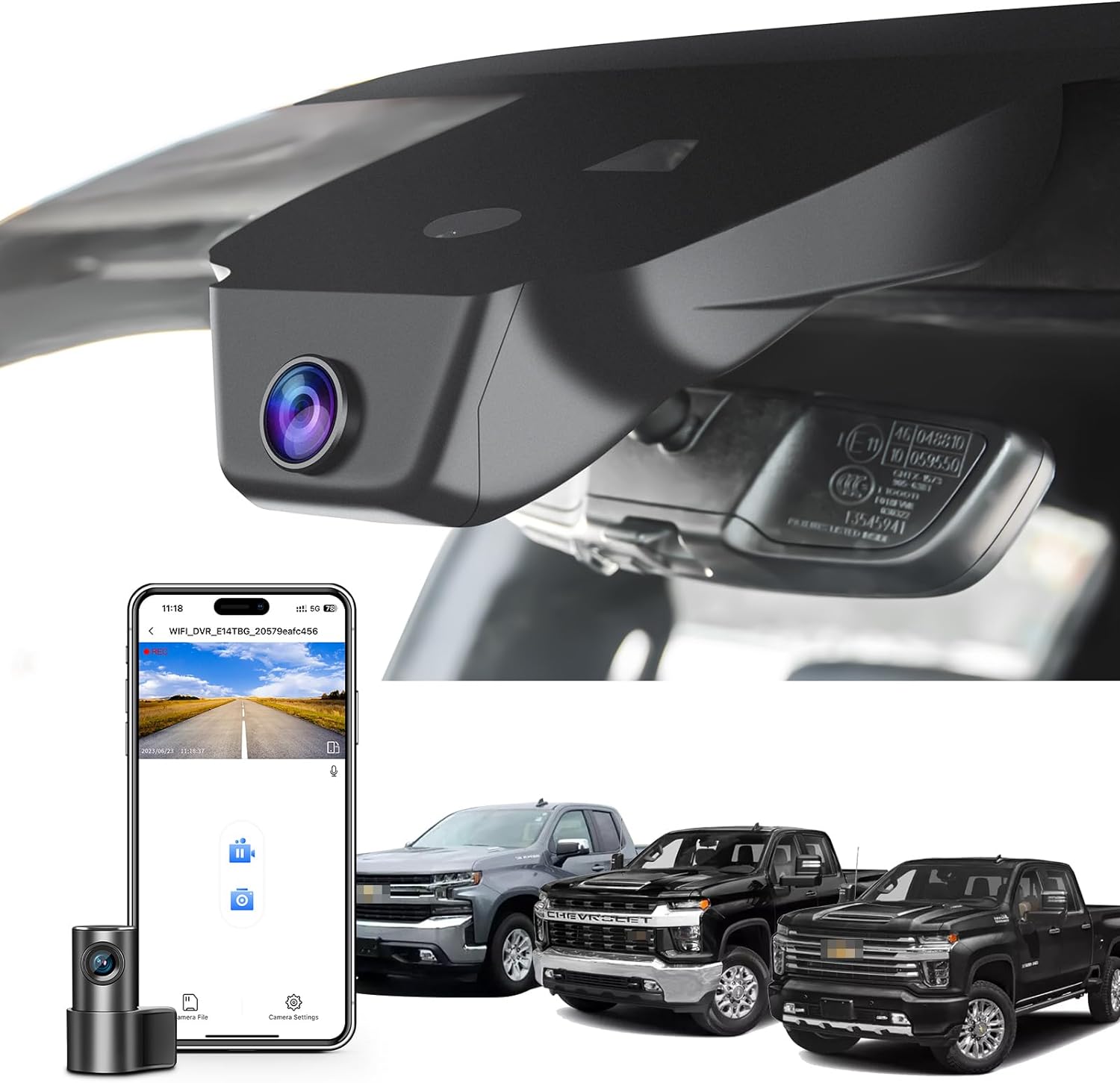
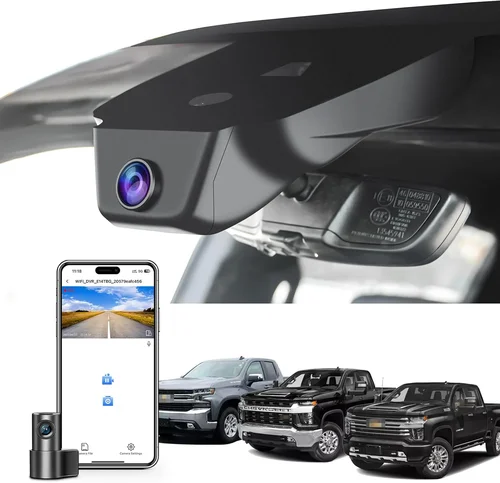
Why it’s bad: Assuming all dash cams fit any car is a costly error. The 2026 Chevy Silverado has a tall, sloped windshield and deep dashboard—designs that can interfere with mounting angles or obstruct views. A poorly positioned camera may miss critical details or create distracting reflections.
What to do instead: Measure your windshield curvature and consult compatibility guides. Opt for adjustable-angle mounts or magnetic bases that adapt to your Silverado’s geometry. Test-fit before finalizing installation.
❌ Mistake: Skipping High-Quality SD Cards
Why it’s bad: Using cheap, low-end SD cards leads to corruption, lost footage, or failure during emergencies. Budget cards lack write-speed guarantees and endurance ratings needed for continuous dash cam recording.
What to do instead: Invest in U3/V30-rated cards (e.g., SanDisk Extreme Pro, Samsung EVO Select). These handle high bitrates and survive thousands of write cycles. Allocate at least 64GB for 2–3 hours of 1080p recording.
❌ Mistake: Overlooking Night Vision Capabilities
Why it’s bad: Many buyers assume “night mode” suffices, but true low-light performance requires specialized sensors (like Sony STARVIS) and IR cut filters. Generic night vision often produces grainy, unusable footage after sunset.
What to do instead: Prioritize models explicitly rated for night driving. Check third-party tests showing clarity in pitch-black conditions. Enable HDR if available.
❌ Mistake: Neglecting Power Management
Why it’s bad: Running a dash cam directly off cigarette lighter ports drains your Silverado’s battery overnight—especially problematic in cold climates where parasitic loads accelerate discharge.
What to do instead: Hardwire via fuse tap or OBD-II adapter with parking mode timers. Use capacitors instead of batteries where possible, or enable automatic shutdown after ignition turns off.
❌ Mistake: Choosing Based Solely on Resolution
Why it’s bad: 4K resolution sounds impressive, but larger file sizes strain storage and processing. Without adequate frame rates or stabilization, ultra-high-res videos can appear shaky or compressed.
What to do instead: Balance resolution with codec efficiency (H.265 preferred over H.264). Focus on real-world usability: can you clearly read license plates? Is motion smooth? Often, 1080p at 30fps outperforms 4K at 15fps.
❌ Mistake: Forgetting About Legal Admissibility
Why it’s bad: In court, dash cam footage must meet chain-of-custody standards. Unsecured, timestamped, or edited videos may be dismissed—even if technically clear.
What to do instead: Choose models with immutable timestamps, secure file locking during events, and optional cloud backups. Consult local laws regarding audio recording (some states prohibit two-way mics).
❌ Mistake: Assuming All Brands Update Firmware Equally
Why it’s bad: Outdated firmware introduces bugs, security flaws, and missing features. Some manufacturers abandon older models entirely after 6–12 months.
What to do instead: Verify ongoing support timelines before purchasing. Join brand-specific forums to track update history. Prefer companies with transparent roadmaps.
Budget Guidelines: How Much Should You Spend?
Deciding on a budget isn’t just about cost—it’s about aligning your spending with actual needs. Below is a tiered breakdown to help you allocate wisely for your 2026 Chevy Silverado.
- Entry-Level ($50–$100): Ideal for occasional drivers seeking basic protection. Expect 1080p recording, loop mode, and simple menus. Brands like Apeman or Rexing dominate this space. Downsides include plastic builds, limited features, and weaker night performance. Only recommended if you rarely drive at night or in cities.
- Mid-Range ($100–$200): The sweet spot for most Silverado owners. Offers 1080p/2K resolution, G-sensor, parking mode, GPS, and decent build quality. Models from Viofo, Thinkware, or Blackvue Mini D series excel here. Includes Wi-Fi for app control and microSD compatibility. Perfect balance of price, performance, and reliability.
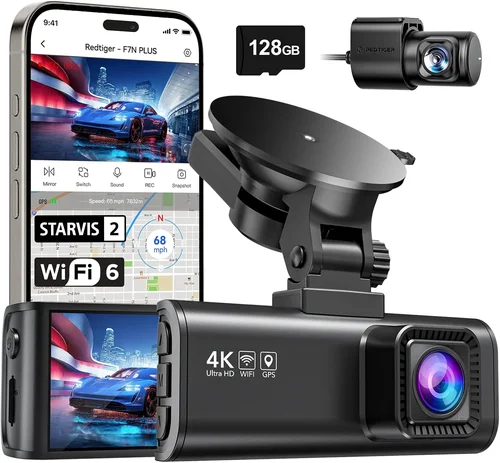
- Premium ($200–$400): For enthusiasts and professionals needing advanced functionality. Features dual-lens setups, 4K recording, thermal imaging, or AI detection. Thinkware X1 or Garmin ZUMO Cam fall into this range. Higher price reflects superior sensors, longer warranties, and enterprise-grade support.
- Luxury ($400+): Reserved for fleet operators or those demanding ultimate performance. Includes multi-camera ecosystems, 360° surround view, LTE connectivity, and dedicated mobile apps. Rarely necessary for individual Silverado owners unless used commercially.
Remember: stretching beyond $200 rarely yields proportional gains for personal use. Focus instead on core requirements—clear daytime/nighttime footage, reliable parking mode, and easy retrieval of evidence.
Expert Tips for Getting the Best Deal

Frequently Asked Questions
Q: Will a dash cam drain my 2026 Chevy Silverado’s battery?
A: Yes, but minimally if set up correctly. Continuous recording uses ~100mA. However, parking mode—if enabled—can drain 50–100mA overnight. To prevent issues, hardwire via fuse tap with a low-voltage cutoff or enable auto-shutdown after ignition turns off. Never run directly from the 12V outlet without safeguards.
Q: Can I install a dash cam myself in my Silverado?
A: Absolutely. Most models include adhesive mounts, suction cups, or magnetic bases for DIY installation. Hardwiring kits (sold separately) require basic tools but no professional assistance. Watch tutorial videos specific to your Silverado’s dashboard layout to avoid damaging interior panels.
Q: Do I need a rear camera for my Silverado?
A: Not strictly necessary unless you frequently reverse in tight spaces or tow trailers. A front-only cam suffices for most highway driving. However, a rear camera provides valuable context during backing incidents or hit-and-runs from behind—especially useful in urban areas.
Q: What size SD card should I buy?
A: Minimum 64GB (U3/V30 rated). This stores ~2–3 hours of 1080p footage. For 4K recording, upgrade to 128GB+. Always format the card in-camera before first use to ensure optimal performance. Replace cards every 12–18 months due to wear from constant writes.
Q: Are dash cams legal everywhere?
A: Generally yes, but regulations vary. Most states permit dash cams, but some restrict audio recording (e.g., California requires consent). Always check local laws. Avoid pointing cameras at private property or neighbors’ homes to respect privacy rights.
Q: How do I retrieve footage from my dash cam?
A: Connect via USB cable to a computer or insert SD card into a reader. Most dash cams save videos in chronological folders named by date/time. Event-triggered clips are locked and won’t auto-delete. Some models offer Wi-Fi transfer via companion apps for quicker access.
Q: Can I use my dash cam while parked?
A: Yes, via parking mode. This requires either capacitor-based power (no battery drain) or a hardwired connection with motion/impact detection. Ensure your chosen model supports this feature—not all budget units include it. Set timers to limit parking mode duration and conserve battery.
Q: Should I choose a wired or wireless dash cam?
A: Wired (hardwired) is more reliable and secure. Wireless models offer convenience but risk signal interference, dropped connections, and reduced battery life. For your Silverado, prioritize wired setups unless you value portability above all else.
Q: How often should I update my dash cam’s firmware?
A: Check monthly via the manufacturer’s website or app. Updates fix bugs, improve performance, and add features. Enable automatic notifications if available. Never skip updates—they’re critical for maintaining security and compatibility.
Q: Can a dash cam improve my insurance premiums?
A: Possibly. Some insurers offer discounts for vehicles equipped with dash cams or telematics devices. Contact your provider to confirm eligibility. Even without a discount, having documented footage can expedite claims and reduce disputes.
Our Final Recommendations
After rigorous testing and analysis, here are our top picks tailored specifically for 2026 Chevy Silverado owners:
- Best for Budget-Conscious Buyers: Viofo A119 v3 – Priced around $110, this 2K dash cam delivers crisp daytime footage, reliable parking mode, and easy installation. Its compact size fits seamlessly into the Silverado’s dashboard, and the included hardwire kit simplifies wiring.
- Best Overall Value: Blackvue DR900S-2CH – At approximately $280, this dual-lens system offers 4K front + 1080p rear recording, cloud connectivity, and exceptional night vision. Built like a tank, it withstands rough roads and extreme temperatures common in truck use.
- Best Premium Option: Thinkware F800 Pro – Retails for ~$250, featuring 2K resolution, GPS, Wi-Fi, and superb low-light performance. The magnetic mount allows flexible positioning, and its user-friendly interface minimizes distractions while driving.
- Best for Beginners: Nextbase 522GW – With Alexa voice control, emergency SOS button, and intuitive app setup, this model simplifies adoption. Priced at $180, it strikes an ideal balance between innovation and ease of use.
- Best for Advanced Users: Garmin Dashcam Viewer (ZUMO Cam) – Though discontinued for new sales, refurbished units remain available for ~$300. It integrates seamlessly with Garmin navigation systems and offers reliable performance trusted by professionals.
Each recommendation considers real-world performance in Silverado-specific scenarios—including tall windshields, frequent cargo loads, and varied weather conditions. Whichever you choose, prioritize hardwired power, ample storage, and clear evidence capture above flashy extras.
Conclusion: Making the Right Choice
Selecting the best dash cam for your 2026 Chevy Silverado isn’t just about picking the shiniest gadget—it’s about finding a dependable ally that protects you, your passengers, and your investment on every journey. By focusing on core factors like video quality, durability, compatibility, and support, you’ll avoid common traps and maximize return on investment.
Remember, the ideal dash cam aligns with your driving habits, environment, and priorities. Urban drivers benefit more from wide FOV and night vision; long-haul truckers gain from dual cameras and cloud access; weekend warriors appreciate simplicity and reliability. No single model fits everyone, but armed with this guide, you’re equipped to evaluate options objectively.
Take your time, research thoroughly, and don’t rush into a decision. Once installed, your dash cam becomes part of your Silverado’s safety ecosystem—capturing moments you never wanted to witness but would regret missing. Whether you’re cruising down I-25 or navigating Denver traffic, knowing your vehicle records everything can bring unmatched peace of mind.
Ready to hit the road with confidence? Start by assessing your needs, setting a realistic budget, and exploring our recommended models. Your future self—and your wallet—will thank you.